Paychex + Atlassian Service Collection: HR-IT Workflow Automation
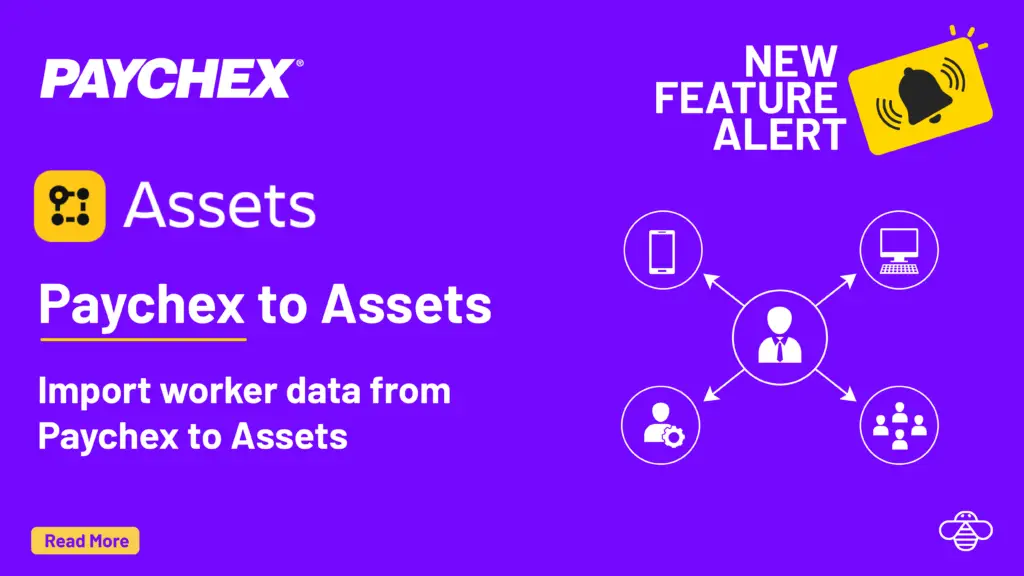
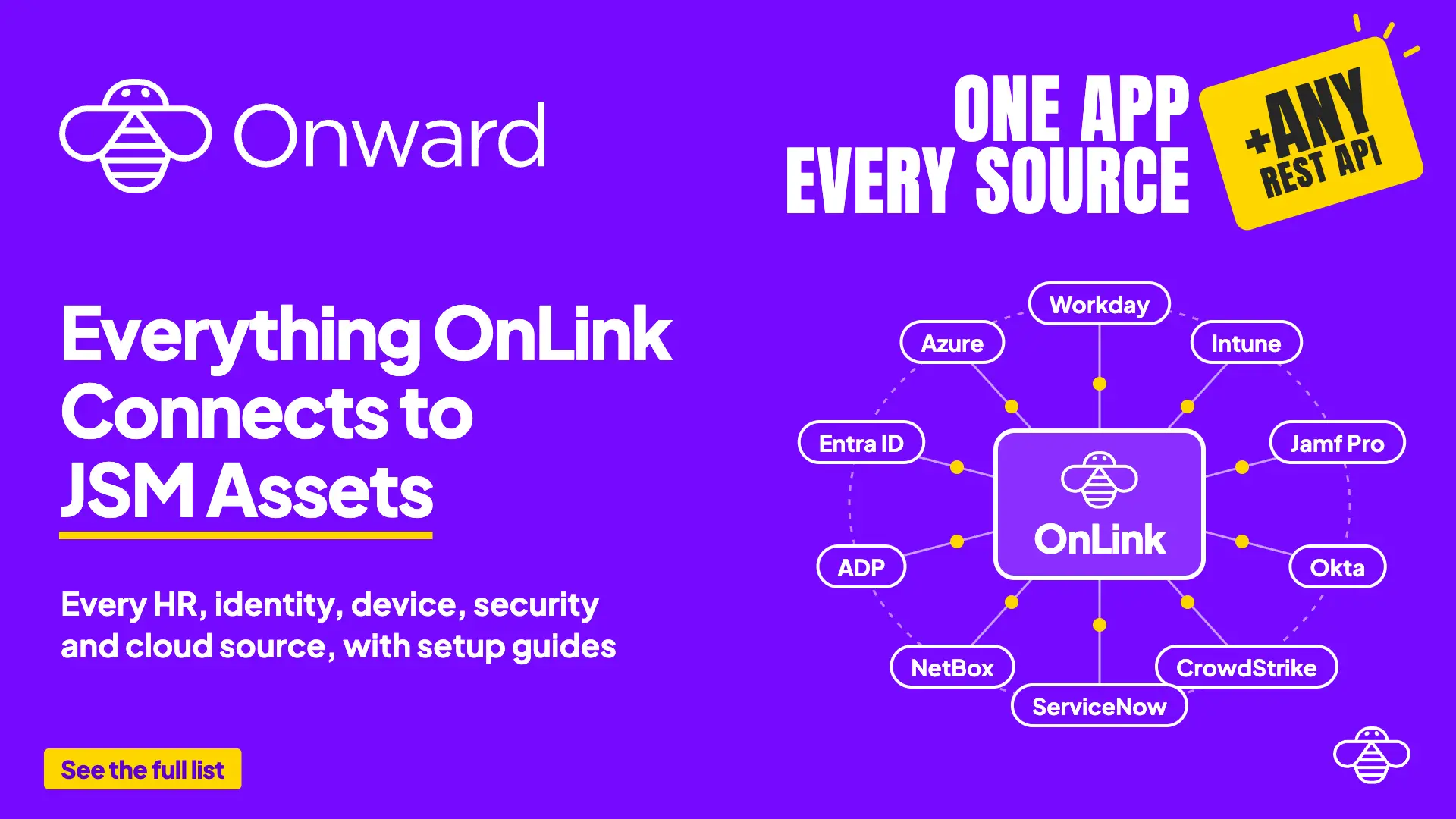
OnLink connects Paychex to Atlassian Service Collection in two ways: a scheduled sync of worker data into JSM Assets, and real-time webhooks so HR events such as new hires and terminations create tickets.
Which mode do you need?Use the Assets sync when agents need the full employee picture on every ticket. Use webhooks when a Paychex event should start work immediately, a provisioning ticket for a new hire or an access-removal ticket on termination. Most teams run both from one Paychex connection. More on event-based imports in Webhooks to Assets.
Before using Onward's apps, my team was manually moving employee data across three systems, creating incredible room for error and wasting valuable time. Today, our onboarding and offboarding workflows are fully automated.
Priya Joshi
HR systems lead, Bark · Atlassian Marketplace review, Jul 2026
Try OnLink for Paychex and Atlassian Service Collection
Sync Paychex workers into Assets and turn HR events into tickets. Start a free trial on the Atlassian Marketplace.
Does Paychex integrate with Atlassian Service Collection?
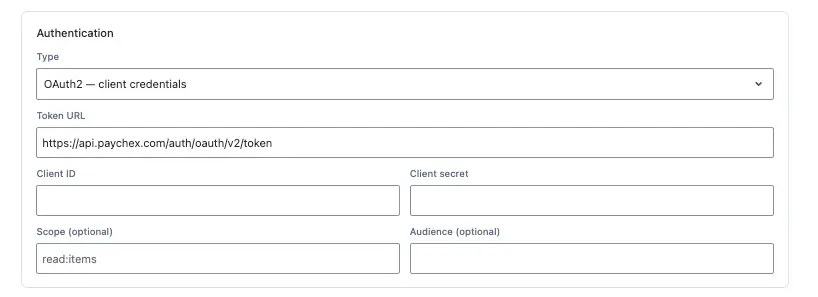
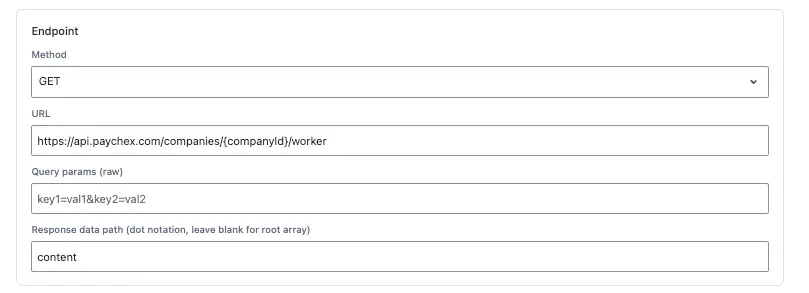
Yes. OnLink connects to the Paychex Flex API and syncs Workers data into Jira Service Management Assets, and can trigger real-time actions in Atlassian Service Collection from Paychex HR events like new hires, terminations, and role changes.
What's the difference between the Assets sync and the webhook integration?
The Assets sync keeps a full, ongoing record of employee data inside your Assets schema. The webhook integration reacts to individual Paychex events in real time, creating or updating tickets and asset objects as they happen, without waiting for the next sync.
Can Paychex events automatically create Jira tickets for IT?
Yes. OnLink’s webhook integration can map any subscribed Paychex event, such as a new hire, to an automated action in Atlassian Service Collection, including creating a provisioning ticket or updating an asset object, without manual entry.
How long does it take to set up the Paychex and OnLink integration?
Most teams complete the initial Assets field mapping and webhook configuration in under an hour, following OnLink’s guided setup for the Paychex API connection and event subscriptions.
Does Paychex integrate with Jira Service Management natively?
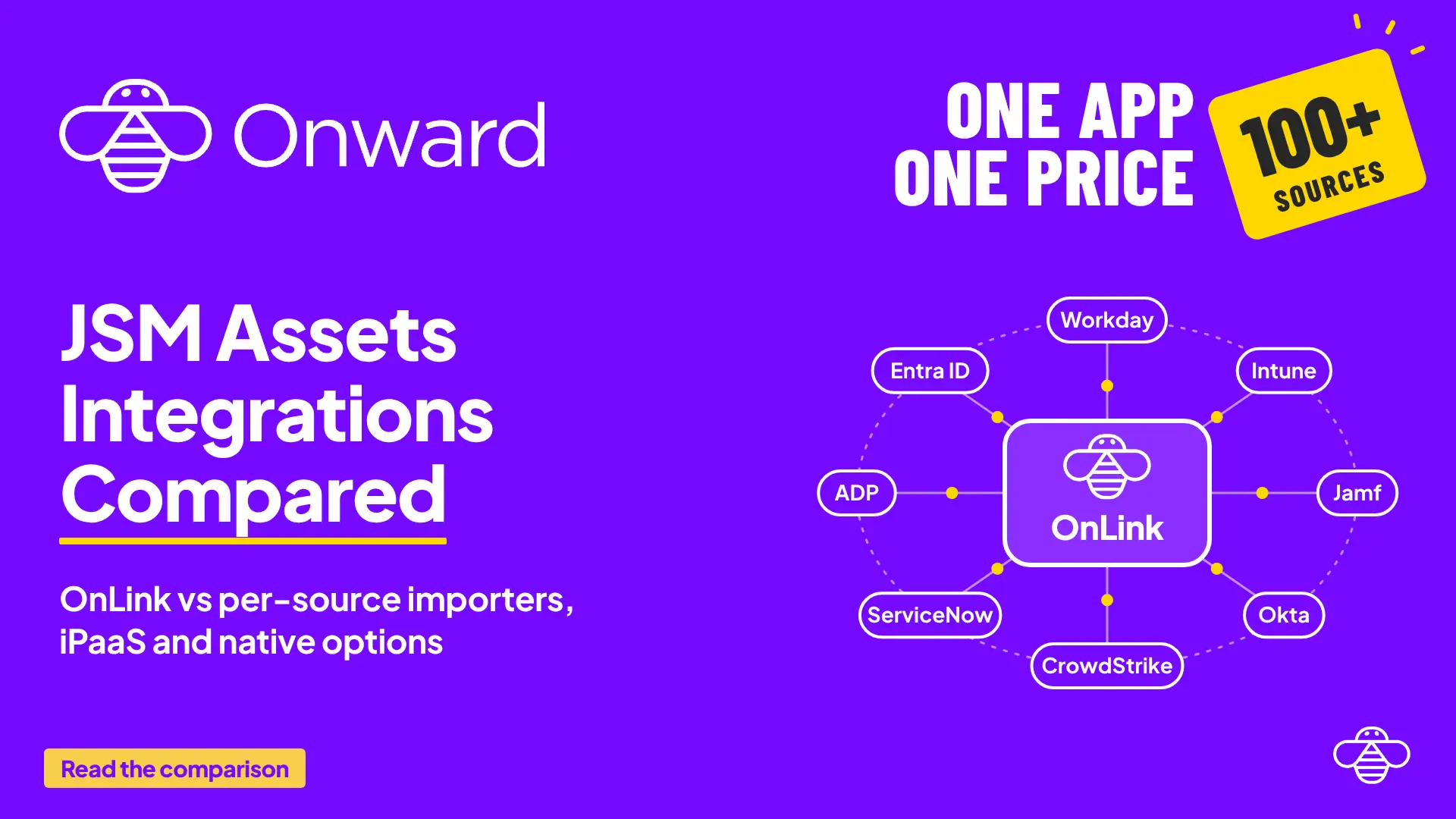
Not out of the box. OnLink adds the integration from the Atlassian Marketplace: the Paychex Flex API feeds the Assets sync, and Paychex webhooks drive the real-time ticket automation. The same app covers TriNet, Justworks, Workday, ADP and 20+ other HR systems.
Can I use Paychex data for full onboarding checklists too?
Yes. OnLink handles the data sync and event triggers; OnRamp adds onboarding and offboarding templates with task libraries, and it connects to Paychex as a source. Many customers run both. Paychex worker data can also feed Atlassian Teamwork Graph from the same connection.
On this page
Paychex data in Assets
Start a free trial of OnLink on the Atlassian Marketplace. Paychex is one of 100+ HR and payroll sources in the same app.
Start a free trial of OnLink on the Atlassian Marketplace, follow the Paychex setup guides linked above, and see every other HR, identity and device source the same app connects.