Why your HR data needs to be in Atlassian Teamwork Graph
Employee data in JSM tickets ✅
Employee data in Assets ✅
Employee data in Teamwork Graph ❓
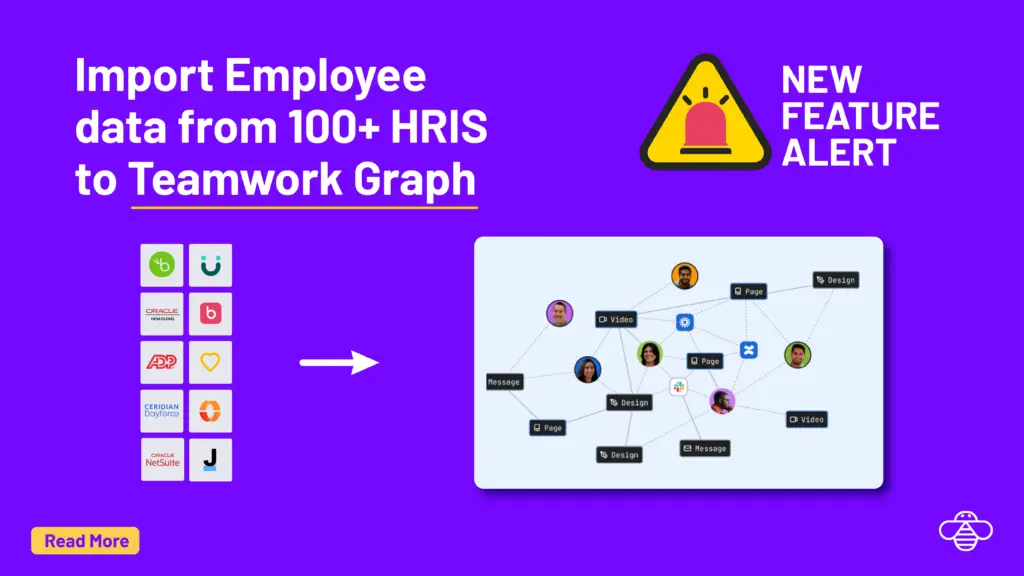
Teamwork Graph is Atlassian’s unified data layer under Jira, Confluence and Rovo. OnLink’s Teamwork Graph bulk job pushes Workers, Positions and Organizations from any HR system you have connected, Workday, BambooHR, ADP, HiBob, Personio and more, through Atlassian’s HRIS S3 connector, so Rovo knows your real org chart.
Teamwork Graph is Atlassian’s unified data layer — the shared model underneath Jira, Confluence, and Rovo. Every piece of work data becomes an object of a known type: work items, documents, messages, users, projects, pull requests. Data from Jira, Slack, GitHub, Google Drive, and a hundred other connectors lands in the same model, with the same relationships and permissions, so it can be searched and reasoned over the same way regardless of where it came from.
The point of the graph isn’t storage. It’s context. Anything in the graph is available to Rovo Search, Rovo Chat, Rovo Agents, and Atlassian Analytics.
Why HR employee data in Teamwork Graph matters
Once Workers, Positions, and Organizations are in Teamwork Graph, the AI layer stops guessing at your org.
Rovo Search gets people-aware
"Who leads platform engineering?" and "who reports to Dana?" become answerable from your actual HRIS, not a Confluence page from 2023.
Rovo Chat gets organizational context
Ask what a team shipped last quarter and "the team" resolves to real people with real reporting lines, not a list of Jira assignees.
Rovo Agents route and act correctly
Approval agents need the requester's manager; onboarding agents need department and start date; triage agents need the owning org.
Atlassian Analytics gets real dimensions
Cut delivery, incident and request data by department, location and job family that come from HR, not from a hand-maintained list.
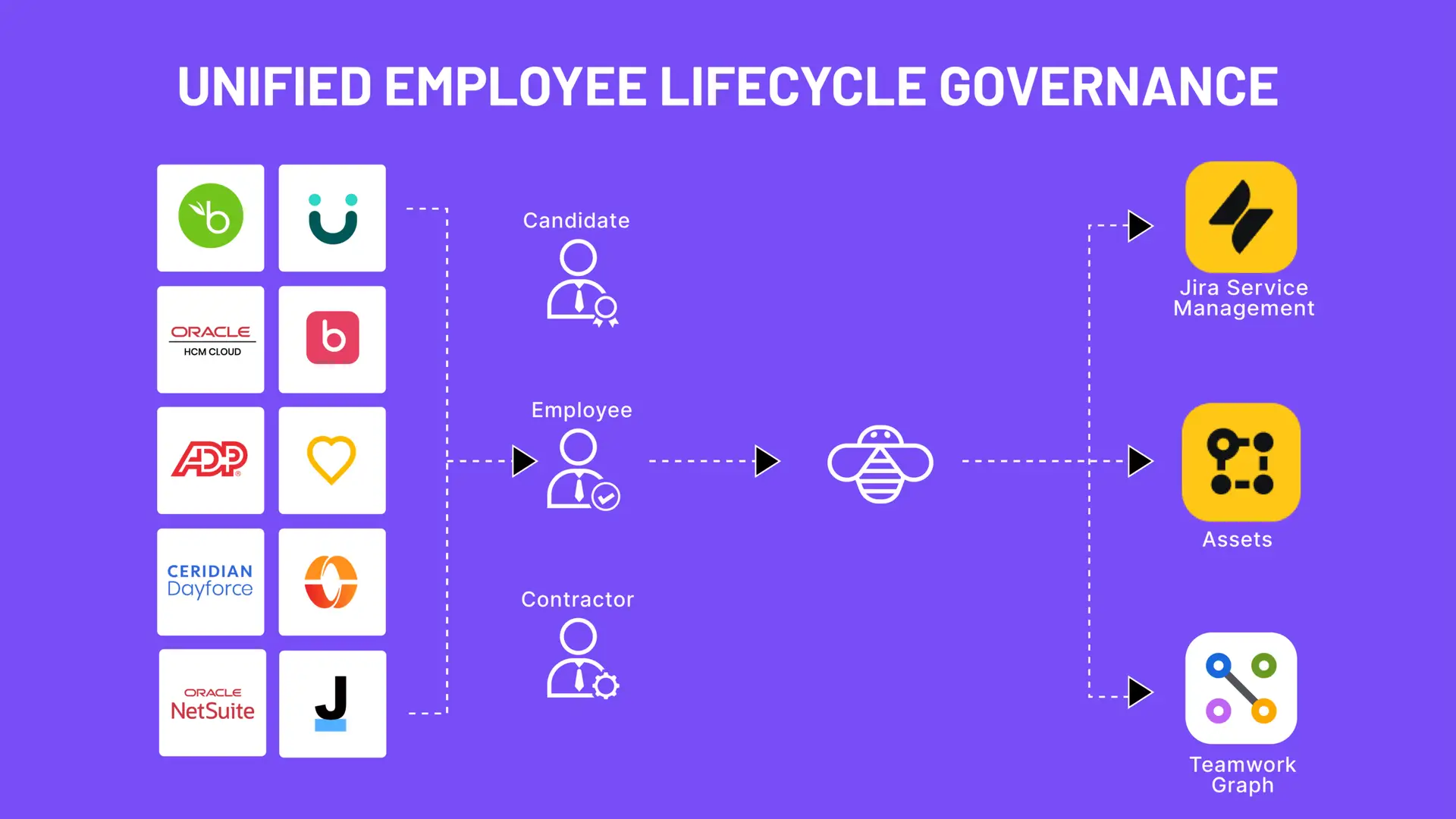
HR systems feed OnLink and OnRamp, which update JSM, Assets and Atlassian Teamwork Graph.
How it works: the OnLink Teamwork Graph integration
OnLink’s Teamwork Graph bulk job pulls from any HR connection you’ve already configured — Workday, BambooHR, ADP, Oracle HCM, HiBob, or an Anysource custom REST API — maps it to Atlassian’s HRIS S3 format, and writes a full-snapshot CSV to your bucket on a schedule.
Each run fetches every record from the source, maps source fields to Teamwork Graph fields, normalizes values to Atlassian’s expected formats, and overwrites the fixed file name in S3. Atlassian’s connector picks it up on its next sync.
Object type
File written
Workers
workers.csv
Positions
positions.csv
Organizations
organizations.csv
Configuration steps
1. Prerequisites
In Atlassian, configure the Teamwork Graph HRIS S3 connector against your bucket, expecting workers.csv, positions.csv and organizations.csv. In OnLink, a saved HR source connection plus an S3 target with PutObject/ListBucket (Atlassian requires the role name to start with atlassian-hris-s3).
2. Create the job
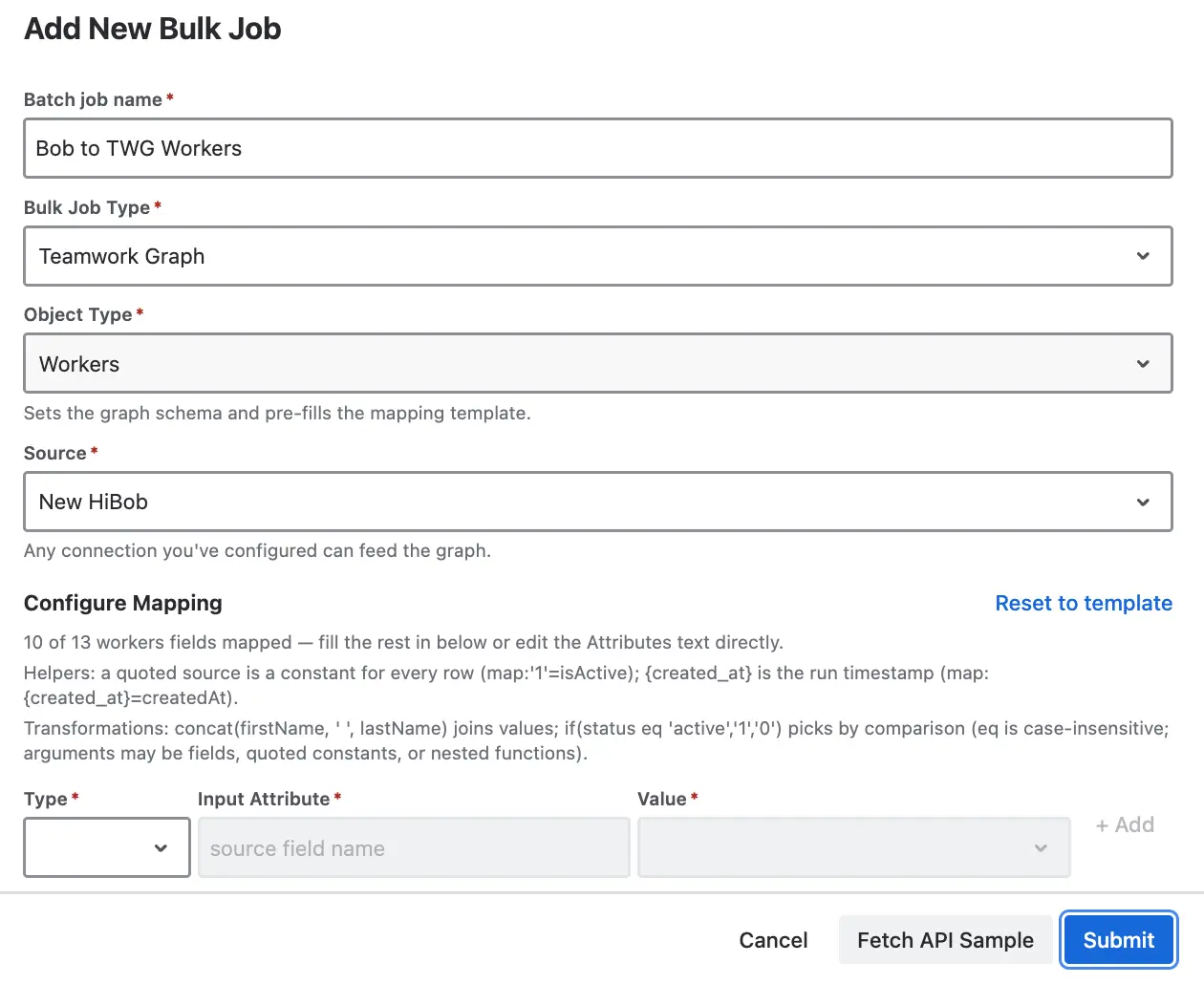
Bulk Jobs → Add New Bulk Job. Set the type to Teamwork Graph, pick the object type, your source and S3 target, and optionally a schedule: hourly, daily, weekly or monthly. One screen, no JQL or HTTP body step.
3. Map the fields
The editor pre-fills one line per Teamwork Graph field. Replace each placeholder with the flattened field name from your HR API. Optional fields can stay as placeholders and export as empty columns.
4. Let OnLink normalize
Dates become ISO UTC or YYYY-MM-DD, booleans 1/0, enums canonicalized to Atlassian's accepted values. Rows missing required fields are dropped; invalid optional values are blanked. Job logs report records fetched and rows uploaded.
Run orderFor a full org chart run Organizations → Positions → Workers, since positions reference organizations and workers. Schedule all three daily and Teamwork Graph stays within a day of your HRIS.
Example: HiBob → Teamwork Graph
Three jobs, one HiBob source connection, one S3 target.
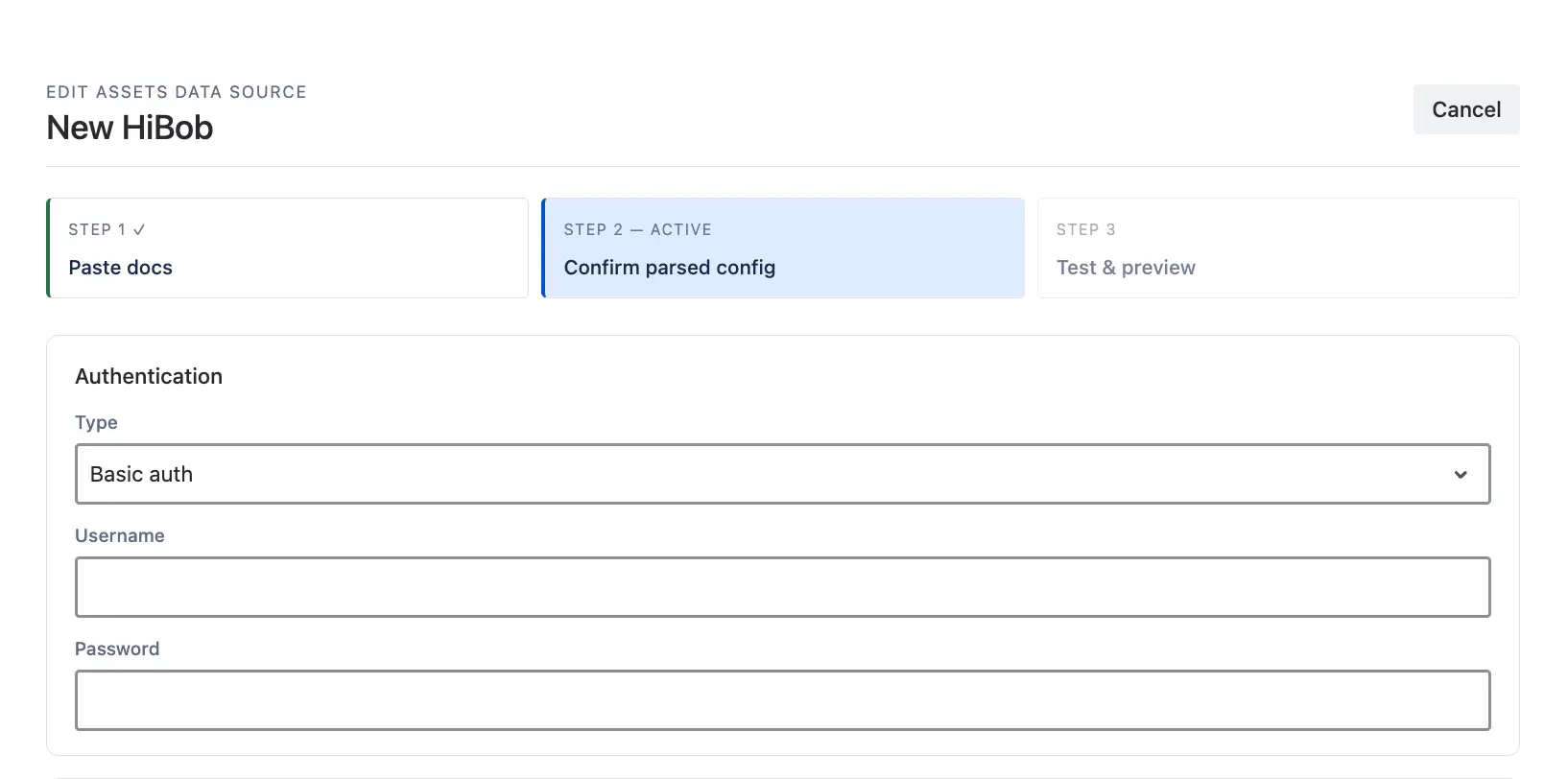
One HiBob source connection serves all three jobs. The request body lists the fields Teamwork Graph needs:
Today, our onboarding and offboarding workflows are fully automated from Greenhouse to Jira tickets to Workday pre-hires and terminations. The Onward team has been super helpful, and they've created a product that anyone can use - not just developers.
If you are already using Rovo, your graph is missing the one dataset that makes it organizationally aware. Start a free trial of OnLink and set up your first Teamwork Graph bulk job in an afternoon.
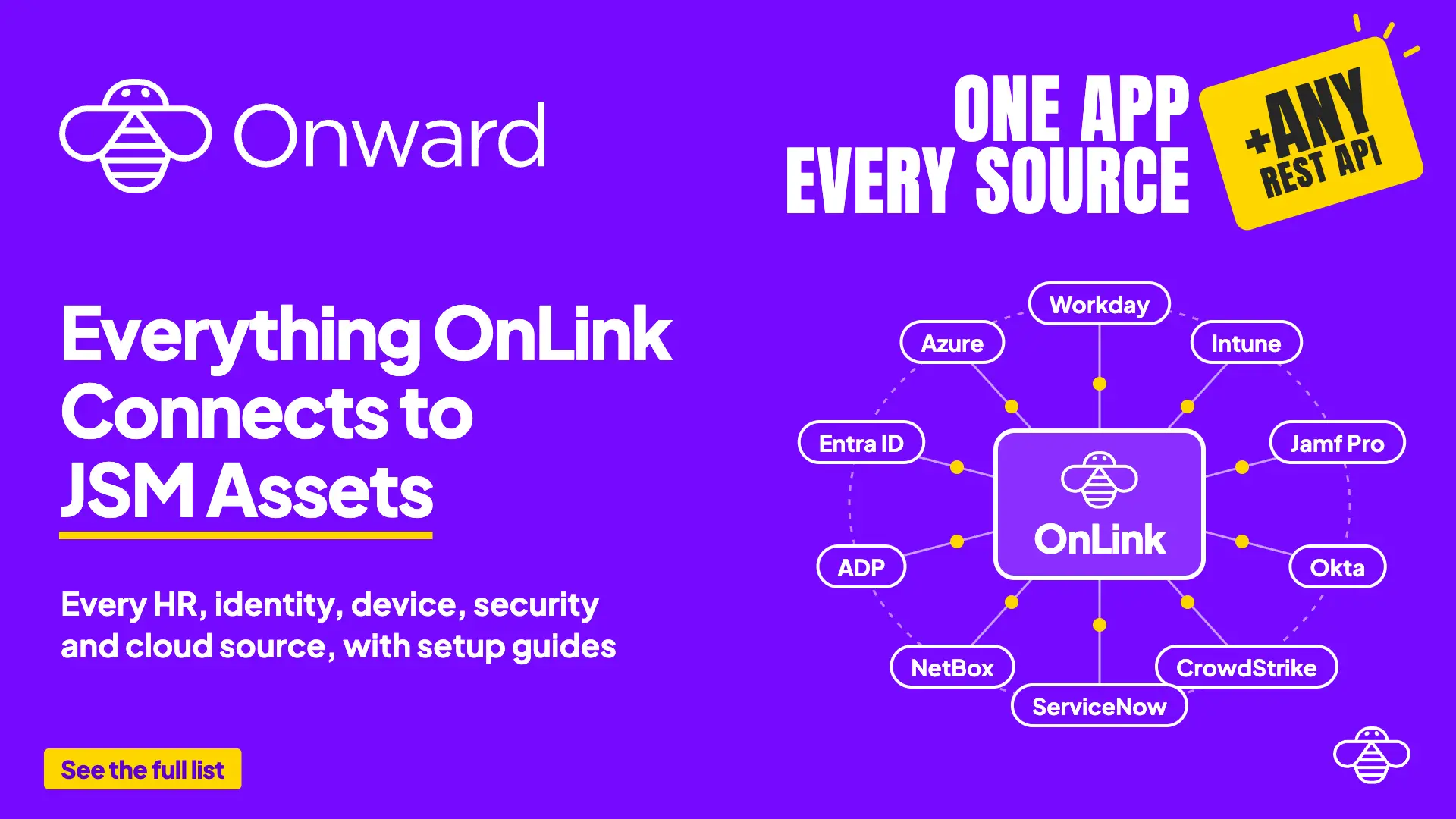
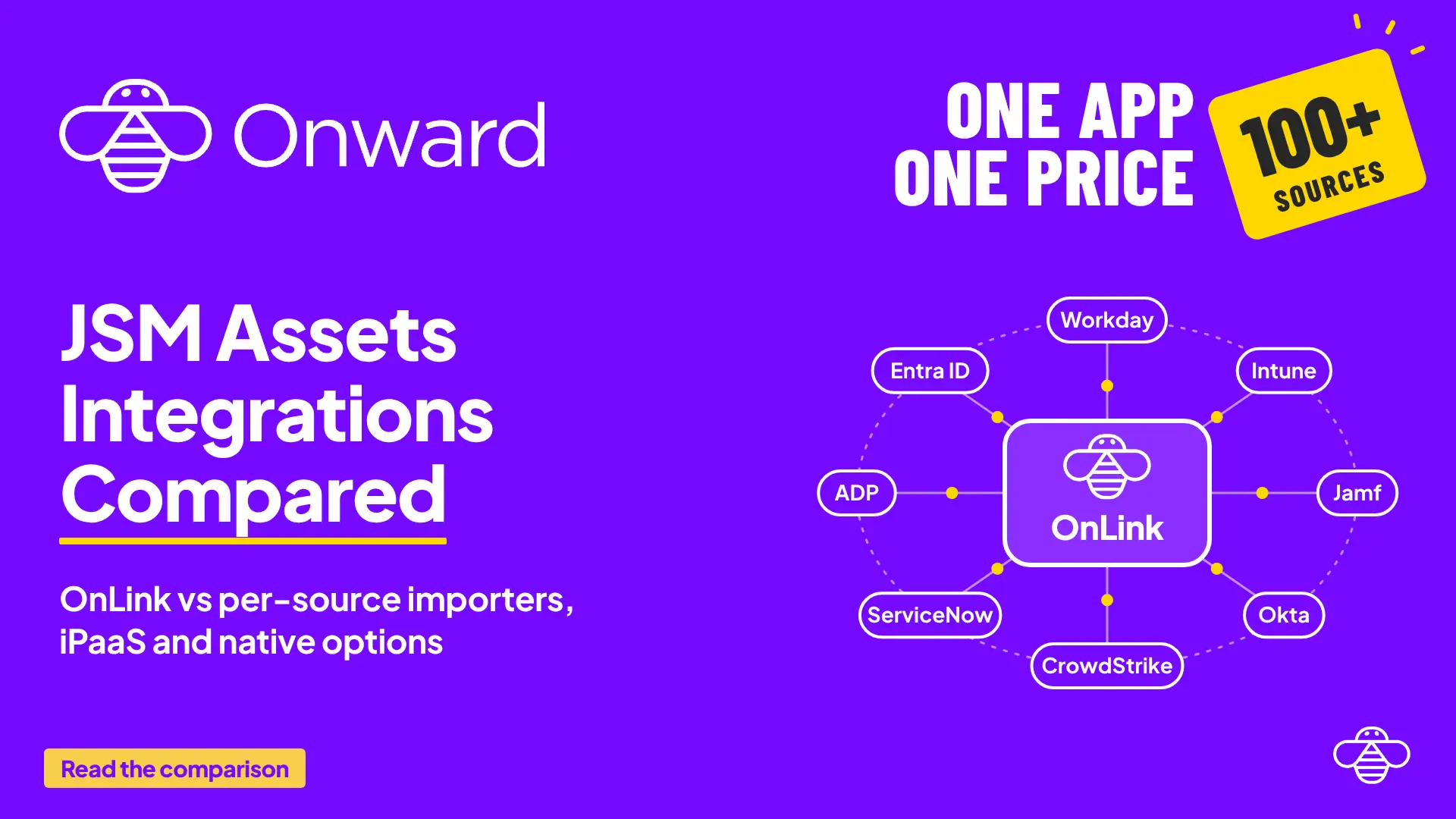
Any HR connection you can save in OnLink — Workday, BambooHR, ADP, Oracle HCM, SAP SuccessFactors, Paylocity, HiBob, Paychex, Dayforce, and others — plus Anysource, our generic REST connector for HRIS platforms without a packaged integration. The bulk job doesn’t care which source it reads from; only the field mappings change.
How fresh is the data?
OnLink runs on whatever schedule you set — hourly, daily, weekly, or monthly. Atlassian’s connector then ingests on its own cycle. Budget up to 24 hours for data to appear after you first configure the connector; after that, a daily OnLink job keeps the graph within a day of your HRIS.
Is each run incremental or a full refresh?
Full snapshot. Every run fetches all records and overwrites the file in S3. No drift, no reconciliation logic to maintain, no orphaned records from a missed delta.
Do I need all three object types?
Workers alone gets you people, emails, titles, and Talent features. Add Positions and Organizations when you want the actual org structure — reporting lines, departments, and hierarchy that Rovo can traverse. Run them in order: Organizations → Positions → Workers, since positions reference both.
How are terminated employees handled?
Map isActive to 0 and populate inactiveDate. Note Atlassian’s constraint: an inactive date has to fall within the past 30 days, so leavers should be deactivated on a regular schedule rather than in a once-a-year cleanup. Also, every reference between objects must point to an active entity — a position pointing at a deactivated worker will be rejected.
My HRIS field names don't match Atlassian's schema. Now what?
That’s the normal case. Click Fetch API Sample to see the exact flattened field names your source returns, then map them line by line. Two transformations cover most mismatches: concat(firstName,' ',lastName)=name when there’s no single full-name field, and if(status eq 'active','1','0')=isActive when your source uses a string status instead of a boolean.
Can I limit what employee data leaves my HRIS?
Yes. Only fields you explicitly map get written. Optional fields left as placeholders export as empty columns, so you can start with the required set plus email and expand later.
Does the Teamwork Graph job replace the Assets import?
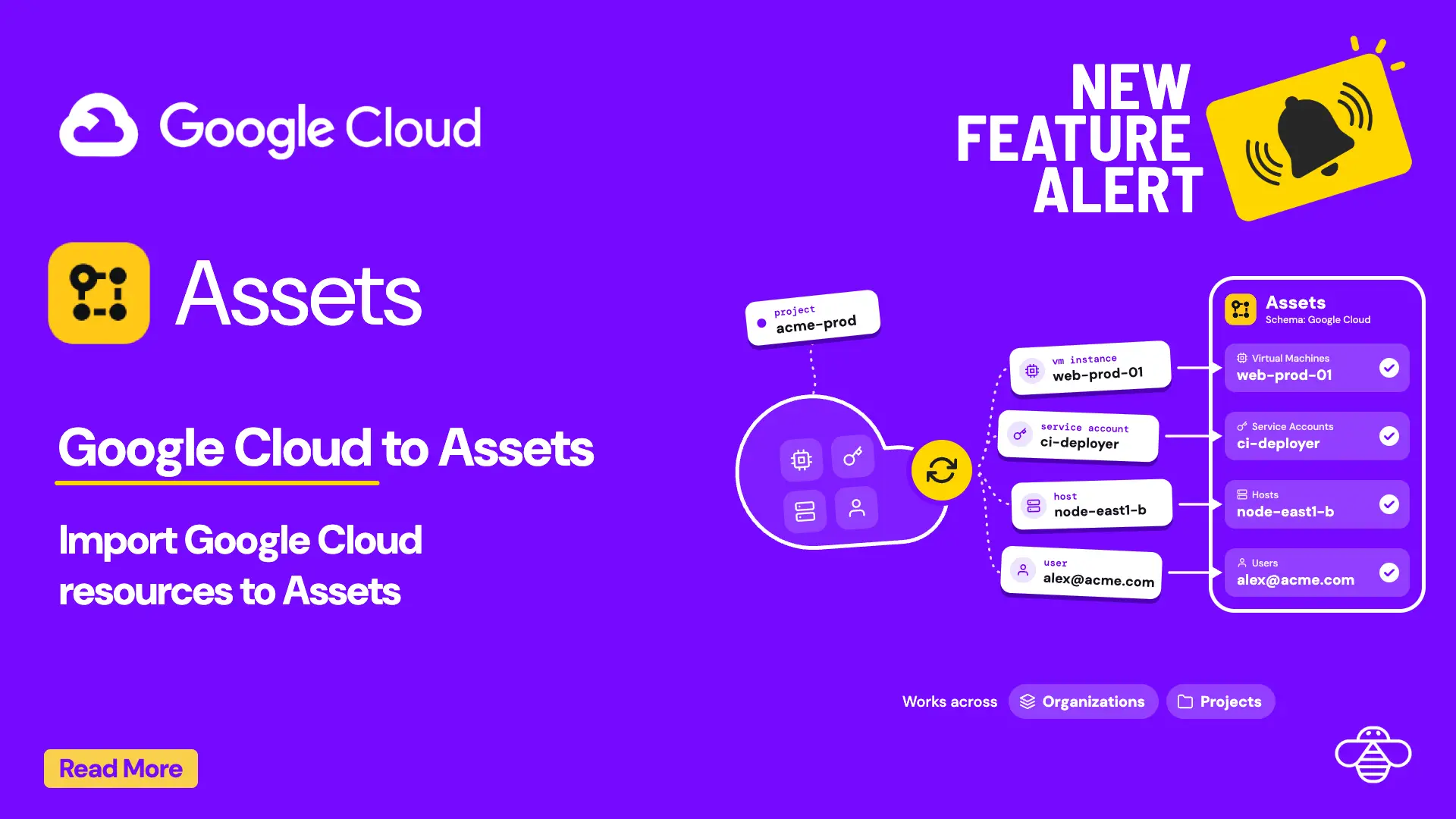
No, they are complementary. The Assets import gives agents employee objects on tickets; the Teamwork Graph job gives Rovo and Analytics the org structure. Both run from the same HR connection in OnLink, such as Personio or HiBob.
Try OnLink for HR data in Atlassian Teamwork Graph
Start a free trial of OnLink on the Atlassian Marketplace and set up your first Teamwork Graph bulk job in less than 30mins. One App, Every Source lists the HR, identity and device systems the same app connects.