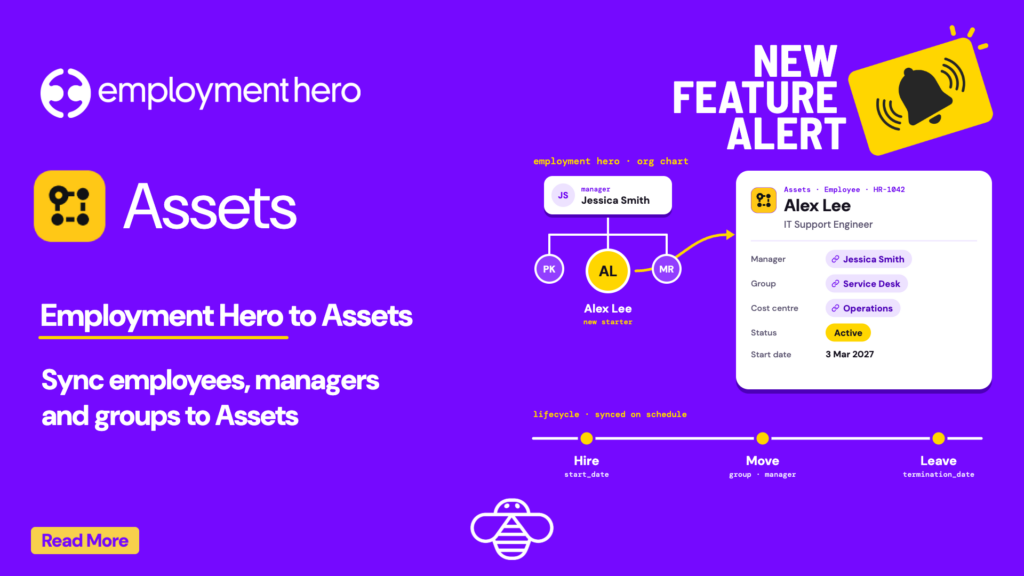
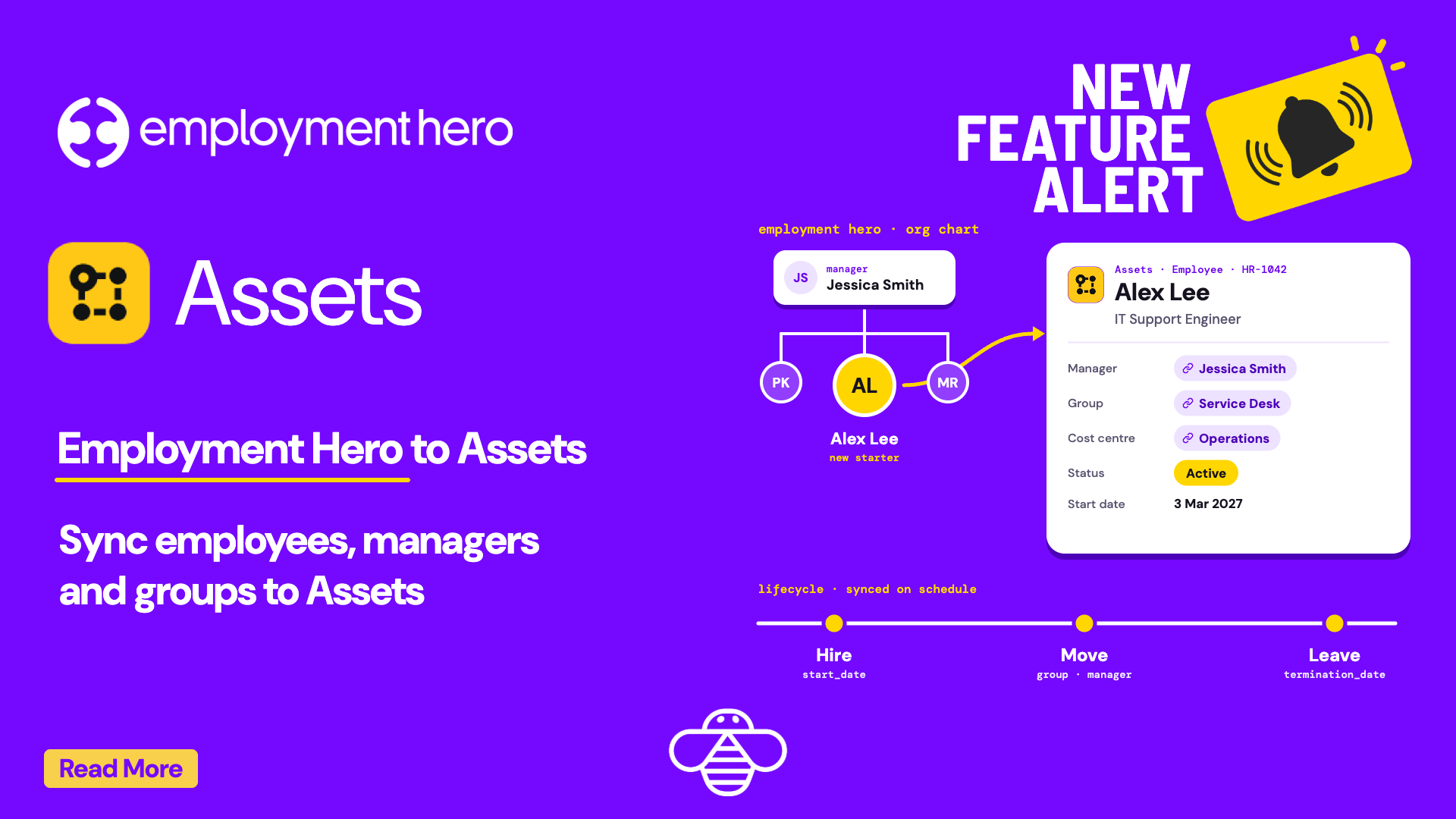
When a new starter’s laptop request lands in the service desk, someone has to look up their manager, group and start date in Employment Hero. When someone leaves, someone has to notice. OnLink now brings Employment Hero employees into Jira Service Management Assets, so those details sit on the ticket and stay current.
In shortOnLink reads Employment Hero employees through one call to the Get Employees API, using an OAuth 2.0 app with read-only scopes, and writes them into Assets with links to each employee’s manager, groups and cost centre. API access needs an Employment Hero Platinum plan or above.
Why put Employment Hero employees in Assets
Employee facts live in Employment Hero, but the requests that depend on them arrive in Jira Service Management: laptops for new starters, access changes when someone moves group, offboarding when someone leaves. With employees in Assets, agents and automations read those facts directly instead of asking HR.
The right person on the ticket
Requesters pick the employee from an Assets field. Job title, manager, group and location come with them.
Approvals that route themselves
Each employee links to their manager, so approval steps go to the right person without a lookup.
Offboarding you don't miss
Status and termination date sync on a schedule, so automations can start offboarding as soon as HR records a leaver.
One CMDB across your stack
Employees sit next to devices from Intune, Jamf or Iru and identities from Entra ID or Okta, in the same schema.
What it looks like in Jira Service Management
A manager raises a request for a new starter and picks them from an Assets field. The agent sees their job title, group, cost centre, location and start date on the ticket, and the approval goes to the manager linked in Assets. When HR records a termination in Employment Hero, the next sync updates the employee’s status and termination date, and an automation can open the offboarding tasks.
How Employment Hero maps to Assets
One API call, Get Employees, becomes an Employee object type linked to the objects around it:
Employee, keyed on the Employment Hero employee ID: name, work email, job title, employment type, status, start and termination dates
Manager: a link to another Employee object
Groups (teams in the Employment Hero API): links to Group objects
Cost centre: a link to a Cost Centre object
Location and employing entity: text, or links if you keep those object types in Assets
How it works
Setup comes down to three parts. The setup guide has every field and value.
1
Register an OAuth app
In the Employment Hero Developer Portal, create an OAuth 2.0 app with read access to employees and organisations, then authorise it once with an Admin or Owner account to get a refresh token. API access needs a Platinum plan or above.
2
Connect and pull employees
Add an Anysource connection in OnLink with the refresh token. OnLink calls Get Employees for your organisation, 100 records a page, and refreshes the 15-minute access token for you.
3
Map fields and schedule the sync
Key employees on their Employment Hero ID, map the fields you need, and set a daily schedule. Filter to employees or contractors, or by status, if you only want one group.
Sample mapping for Employment Hero employees:
					key:id=EmployeeID
map:full_name=Name
map:company_email=Work Email
map:job_title=Job Title
map:employment_type=Employment Type
map:status=Status
map:start_date=Start Date
map:termination_date=Termination Date
map:primary_manager.id=Manager
OnLink is one app with 100+ connectors. Employment Hero joins HR systems like Rippling, Personio, HiBob and Workday, plus identity providers, device managers and security tools, all importing into the same Assets schema. One app to buy, one to manage.
Five questions you can answer once it's in Assets
Each employee is an Assets object, so the questions people ask HR in Slack become saved AQL searches:
Question
AQL
Who started this month?
objectType = "Employee" AND "Start Date" >= startOfMonth()
Who is leaving?
objectType = "Employee" AND "Termination Date" >= now()
Who reports to Jessica?
objectType = "Employee" AND Manager.Name = "Jessica Smith"
Who is in the Service Desk group?
objectType = "Employee" AND Groups = "Service Desk"
Which part-time staff work in Sydney?
objectType = "Employee" AND "Employment Type" = "Part-time" AND Location = "Sydney Office"
Bring your Employment Hero employees into Assets
Start a free trial of OnLink on the Atlassian Marketplace and connect Employment Hero with a read-only OAuth app.
Does OnLink import Employment Hero employees into JSM Assets?
Yes. OnLink imports employees from the Employment Hero Get Employees API into Jira Service Management Assets, with managers, groups and cost centres as linked objects. It runs on the Anysource connector, so there is no custom code to maintain.
Which Employment Hero plan do I need?
Employment Hero offers API access on its Platinum plan and above. You also need an Admin or Owner account to register the OAuth app and authorise it.
How does OnLink authenticate with Employment Hero?
With OAuth 2.0. You authorise the app once to get a refresh token, and OnLink uses it to request a new access token whenever the 15-minute token expires. OnLink only reads data the authorising account can see.
Can I import only employees, or only active staff?
Yes. Add Employment Hero filters to the connection, for example member_type=employee for employees only, or filter by status, team, department or work location.
How often does the data sync?
You set a schedule per import: hourly, daily, weekly or monthly. Daily suits most HR data. Each run updates existing employees and adds new ones, matched on the Employment Hero employee ID.
On this page
Employment Hero in Assets
Start a free trial of OnLink on the Atlassian Marketplace and import your Employment Hero employees today.