






Surveys that live in Workday.
No integration. No data sync.

OnSurvey is a Built on Workday app for employee surveys, feedback, assessments and intake forms. Responses stay in Workday, follow Workday security and show up in your Workday reports.

Built on Workday · Workday Innovation Partner · Microsoft Teams & Slack · Live in hours

WHY ONSURVEY for surveys in Workday?

One system

Survey apps sit outside Workday and need integrations to keep in sync

OnSurvey is built on Workday – no integration, no data sync, nothing extra to run

One source of truth

Responses live in another vendor’s database with its own access rules

Responses stay in Workday and inherit Workday security domains

One source of insight

Results get exported to spreadsheets or another analytics tool

Analyze in Workday Reports, Worksheets or Prism, next to your people data

OnSurvey is BUILT ON WORKDAY on the Workday Marketplace

Built on Workday badge

A Built on Workday app from a Workday Innovation Partner. Bought through the Workday Marketplace as a subscription. Also on the Microsoft Teams store.

ONSURVEY
FEATURES

Pre-built templates

Engagement, onboarding, exit, pulse, eNPS, DEI, 360 and course feedback. Use them as-is or customize, and launch your first survey in minutes.

Triggered by Workday events

New hires, terminations, anniversaries, job changes or any business process. The right survey reaches the right person at the right moment.

Meet employees where they work

Deliver surveys in Microsoft Teams, Slack, email and Workday mobile, so response rates go up and survey fatigue goes down.

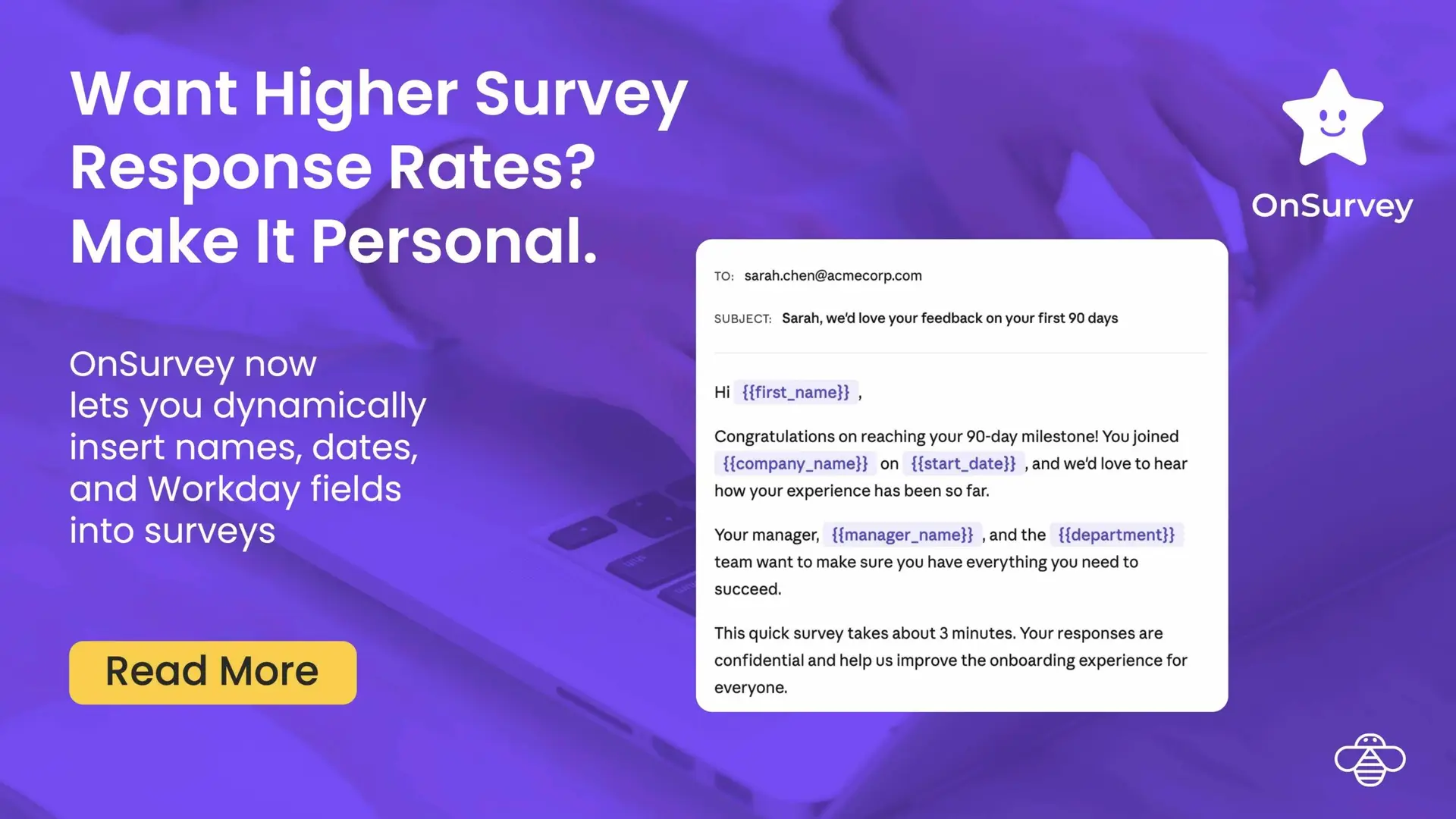
Personalized with Workday data

Greet people by name and pre-fill what Workday already knows – role, manager, location – so surveys are shorter and feel relevant.
Insights in Workday

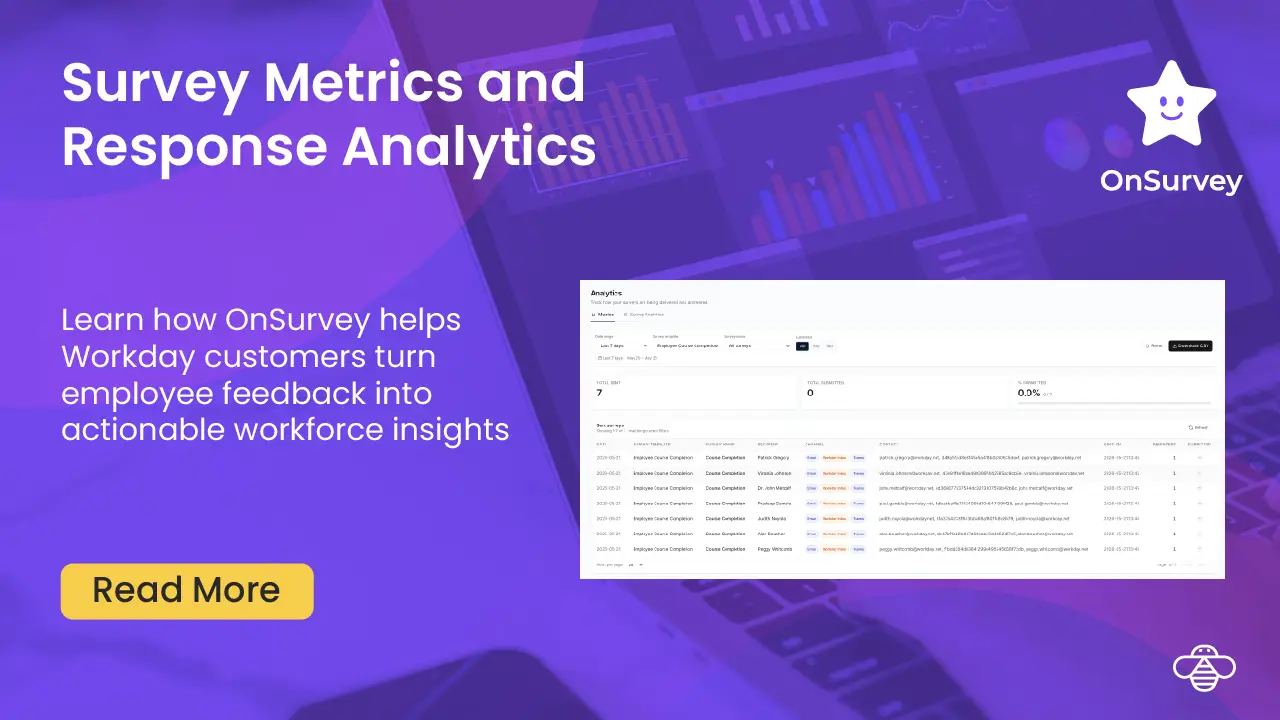
Analyze results in Workday Reports, Worksheets or Prism. Segment by department, location, tenure or any worker attribute.

Workday security, inherited

Access follows your Workday security domains and roles. No separate admin console, no duplicate provisioning, no extra security review.

Every survey your Workday team needs

Start from a template, then make it yours

Engagement
Onboarding
Exit
Pulse
eNPS
360 feedback
Course feedback
Supplier onboarding

Plus DEI, new product launch, student graduating exit, pre-hire data intake and AI adoption surveys. Need something else? Ask us.

What Workday teams say about OnSurvey

From exit surveys to a global engagement program, here’s how Workday teams use OnSurvey.

★★★★★

Jan 2026

“OnSurvey was very easy to set up for employee exit surveys. We are now able to collect feedback and store it all in Workday.”

Lorna McKerron · Workday Configurator, Chubb

★★★★★

Apr 2026

“I was able to configure OnSurvey quickly for onboarding and offboarding surveys. Because OnSurvey is built on Workday, the user experience feels native.”

Matias Ferraro · Workday Consultant, Apex Healthcare

★★★★★

Jun 2026

“We used OnSurvey to run a standardized employee engagement survey across our global team.”

Julie Durillon · Workday Product Owner, Vantage Data Centers

Our customers
love us

            “OnSurvey helps us listen to our employees while keeping all feedback securely within Workday.”

Melissa Balgley

Program Manager, Wilson

Customer Overview

Wilson is a global talent solutions firm founded in Tampa that partners with organizations to build and sustain high-performing workforces through integrated services.

Use Case

Wilson was looking for a native survey tool within Workday to support HR feedback use cases such as new-hire feedback and candidate experience surveys.

Solution Overview & Benefits

Wilson used OnSurvey to quickly set up a new-hire survey and plans to expand its use to other employee engagement initiatives.

Benefits of using OnSurvey in Workday

Triggered by Workday events

New hire, termination, anniversary, job change or any custom business process starts the survey

Onboarding check-ins at day 30, 60 and 90; exit surveys on the last day – no manual sends

Meet employees where they work

Microsoft Teams, Slack, email and Workday mobile

Personalized with each employee’s Workday data, so surveys are shorter and response rates higher

Insights to action, inside Workday

Workday Reports, Worksheets and Prism – segment by department, location or tenure

Workday security domains decide who sees which results

OnSurvey vs other survey tools, compared

For surveys in a Workday companyOnSurveyExternal survey platformsForm tools
Where it runsBuilt on WorkdaySeparate platform, connected by APIStandalone
Where responses liveIn WorkdayIn the vendor’s platformIn the form tool or a spreadsheet
Who can see resultsYour Workday security domainsSet up again in the platformLink and sharing settings
Surveys triggered by Workday eventsBuilt inNeeds an integrationManual sends
AnalysisWorkday Reports, Worksheets, PrismThe platform’s own analyticsSpreadsheet export
How you buy itSubscription on the Workday MarketplaceSeparate contract, often per employeeBundled, with no HR features

External survey platforms are strong on survey science; form tools are fine for a one-off poll. OnSurvey is for Workday teams who want employee feedback kept with the rest of their people data.

Questions HR and Workday teams ask

What is OnSurvey?

OnSurvey is a Built on Workday app for employee surveys, feedback, assessments and intake forms. You build, send and analyze surveys without leaving Workday.

OnSurvey runs as an app on Workday rather than as a separate system connected by an integration. There is no data sync to maintain, and survey responses are stored in Workday.

Access follows your Workday security domains and roles, so the people who can see results are the people Workday already allows to see that data. There is no separate admin console.

Yes. New hires, terminations, anniversaries, job changes or custom business processes can trigger a survey, so onboarding check-ins and exit surveys send themselves.

In Microsoft Teams, Slack, email or Workday mobile – wherever they already work. Surveys can be personalized with each employee’s Workday data.

With the tools you already use: Workday Reports, Worksheets and Prism. Segment by department, location, tenure or any worker attribute.

Engagement, pulse, eNPS, onboarding, exit, 360, DEI, course feedback, supplier onboarding, pre-hire data intake and more. Start from a template or build your own.

OnSurvey is a subscription bought through the Workday Marketplace. Most teams launch their first survey the same day – no lengthy implementation. Request a demo →

Stop integrating.
Start surveying.