Microsoft Graph to JSM Assets: your whole Microsoft tenant, on every ticket
Microsoft Graph is the one API behind Entra ID, Intune, Windows 365, Microsoft 365, Places and Defender. It already knows who someone is, what they use, where they sit and whether their device is at risk.
OnLink brings that data into Jira Service Management Assets through one connection, so every request and incident carries the context agents need. This post covers what you can import and what it unlocks. The setup guide has the step-by-step.
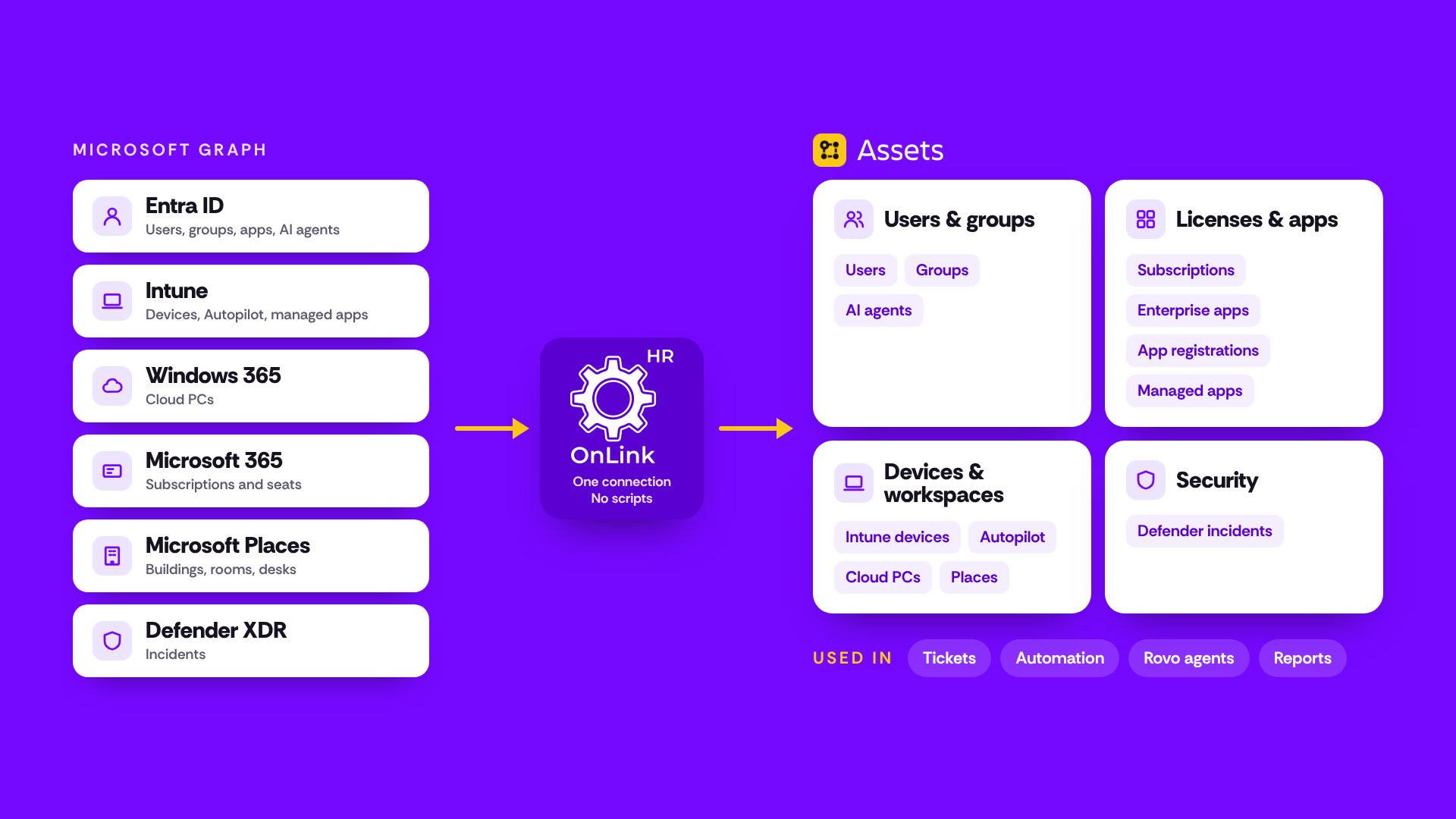
One connection gives OnLink read-only access to Microsoft Graph, which covers Entra ID, Intune, Windows 365, Microsoft 365, Places and Defender. Each object becomes its own object type in Assets, linked to the others: users to devices, devices to incidents, apps to owners.
Quick tour. Swipe through what Microsoft Graph data looks like in Assets.
Key resources available via the Graph API include:
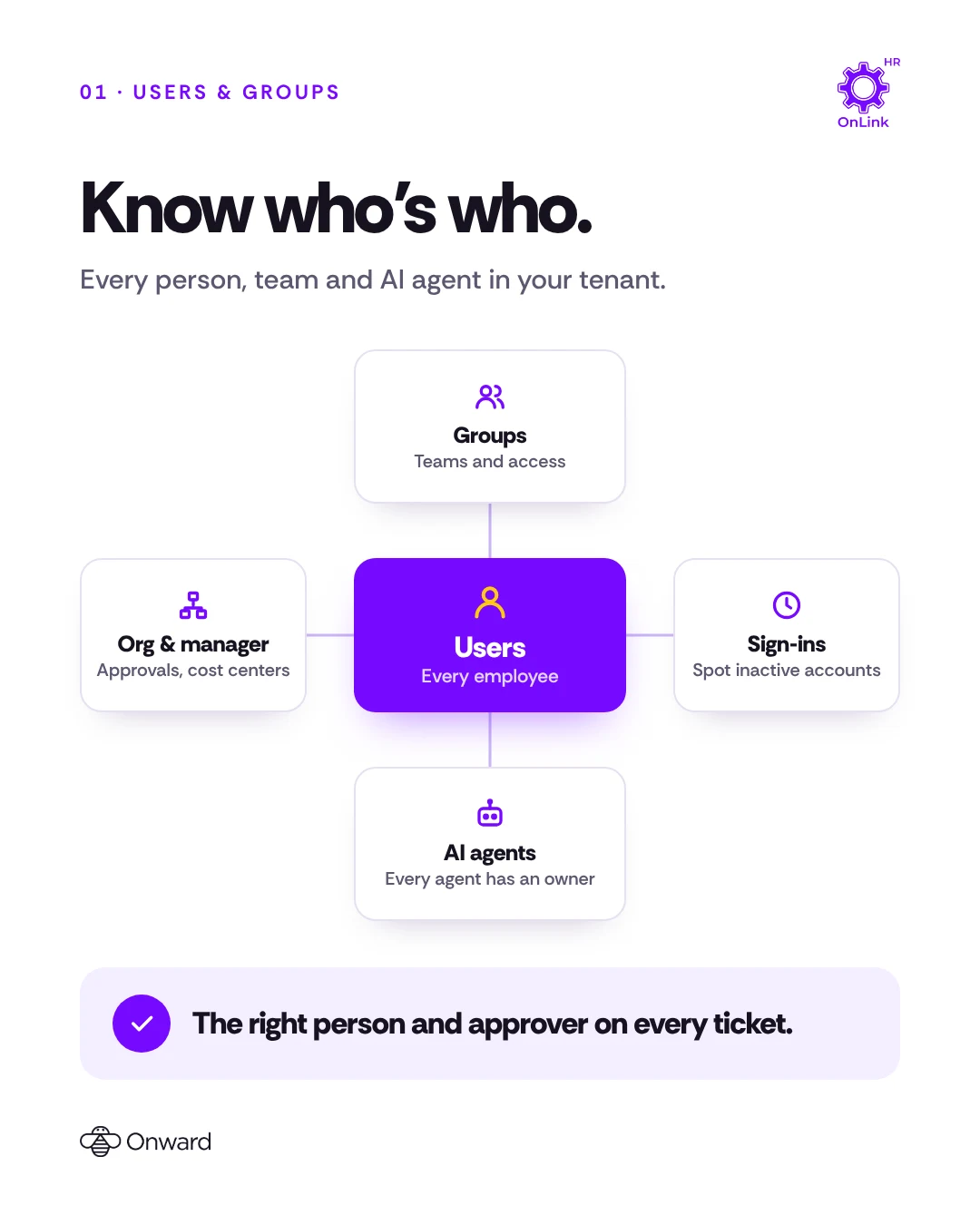
Users (Entra ID)
Every employee with department, job title, manager, office and sign-in activity. Route tickets by department and spot inactive accounts.
What you can solve with Microsoft Graph data in Assets
How Microsoft Graph data reaches Assets with OnLink, and where it gets used.
Reference Assets directly in tickets
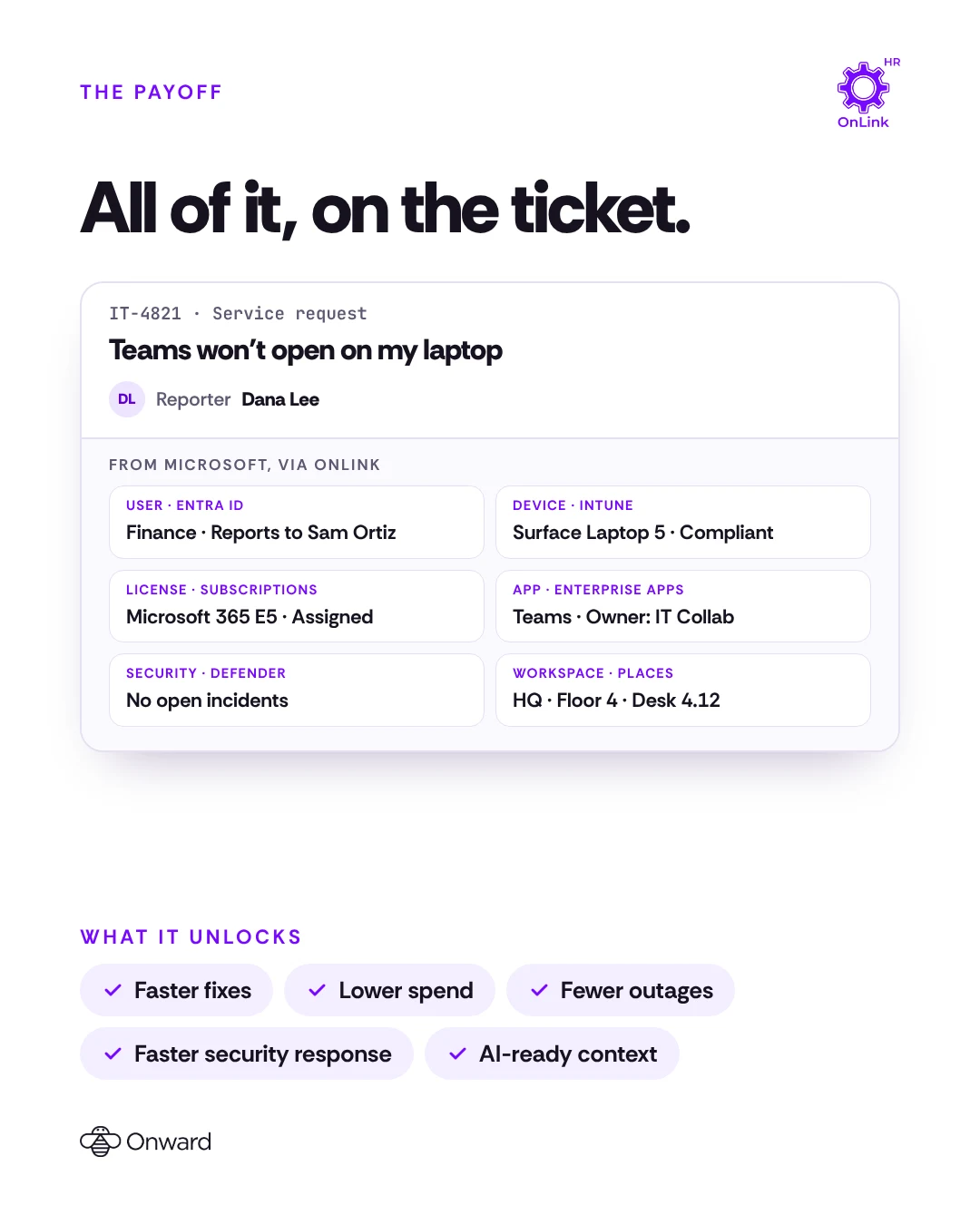
When a request comes in, agents need context: who is asking, what they use and which device is affected. With Microsoft Graph data in Assets, the reporter’s department, manager, licenses, device and Cloud PC sit on the ticket, linked and up to date. No switching between admin centers.
This is particularly powerful for:
Access requests — see the groups, apps and licenses the person already has.
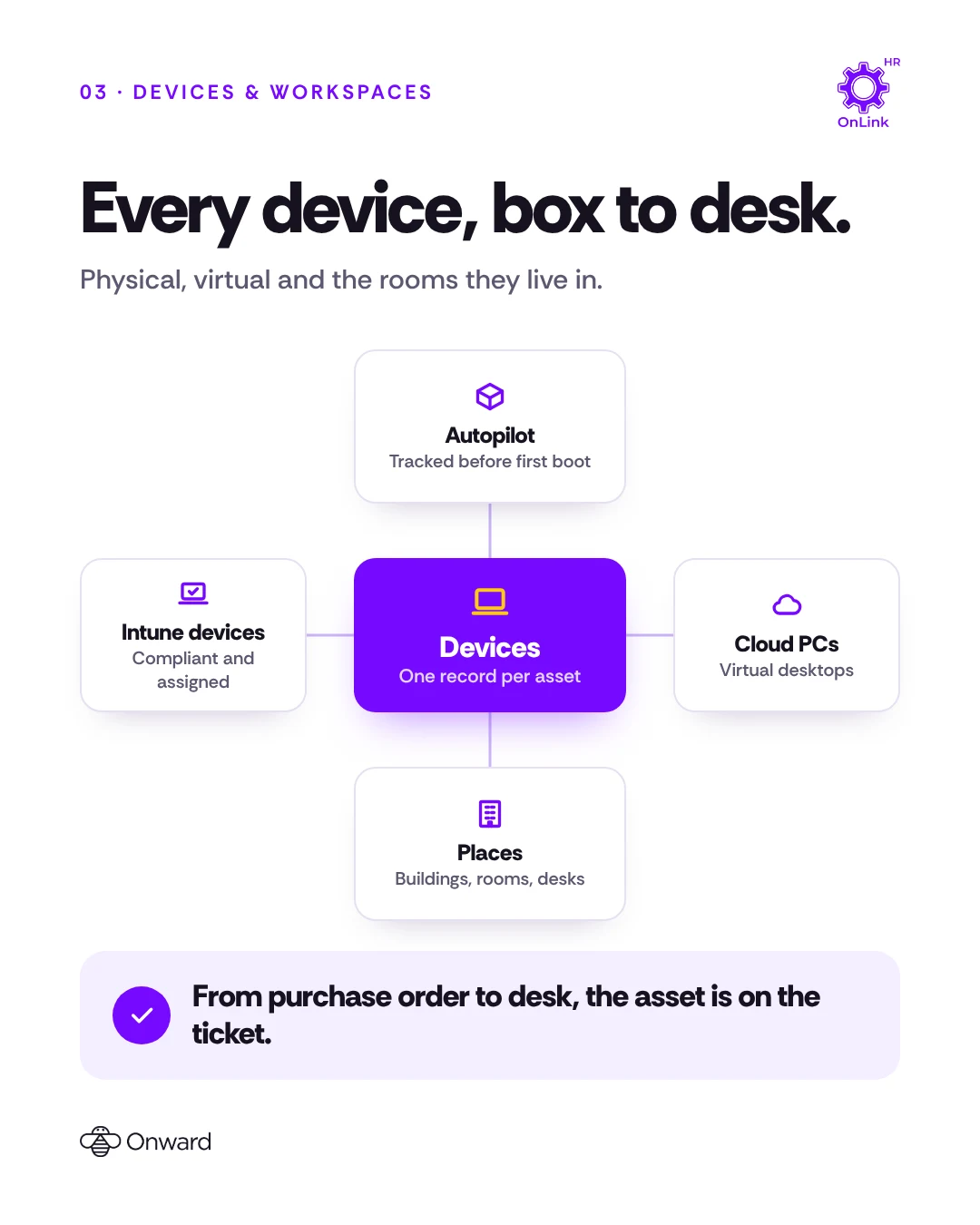
Device issues — the Intune device or Cloud PC, its compliance state and its owner.
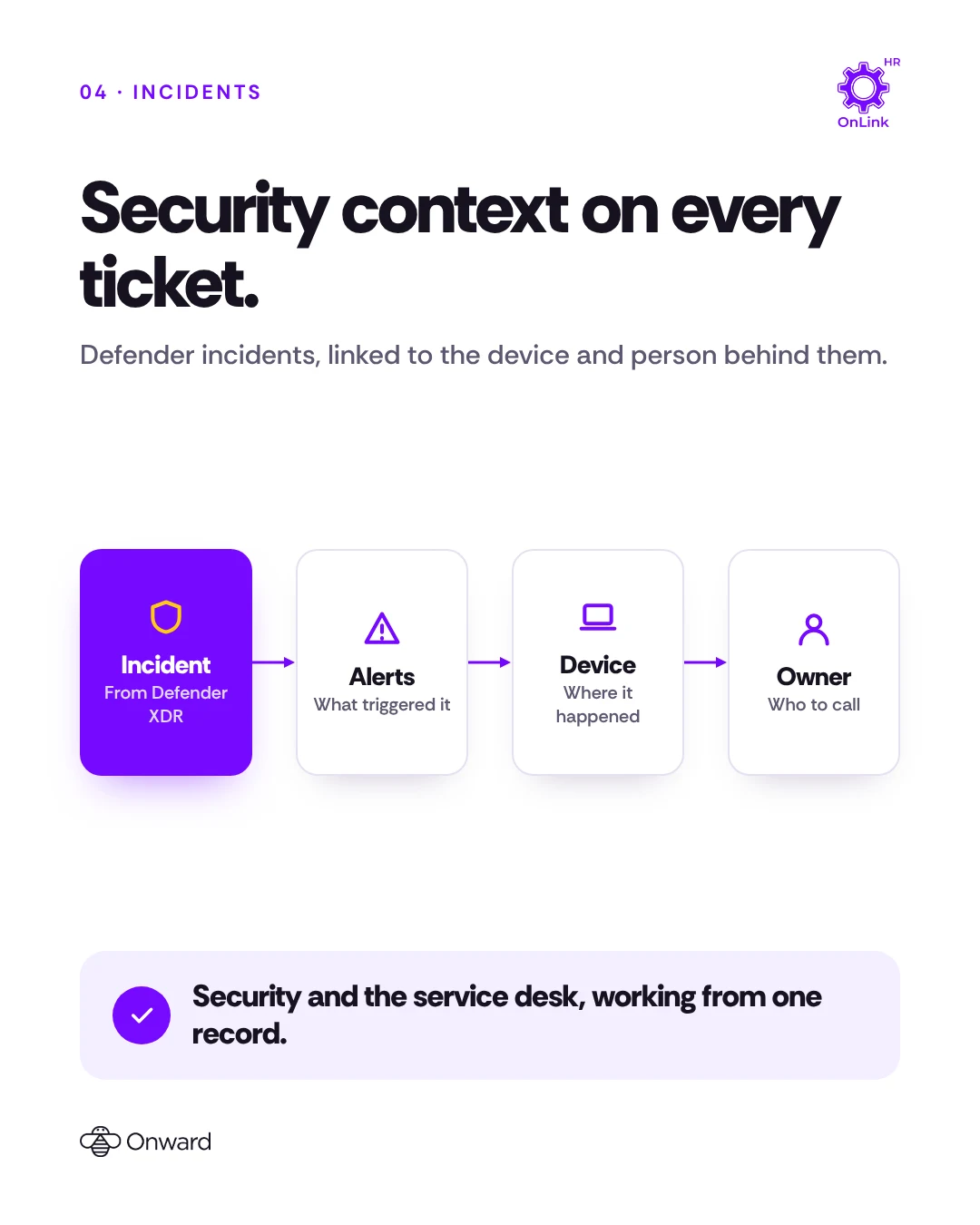
Security incidents — the Defender incident, the affected device and its user on one record.
Facilities requests — the building, floor and room from Places.
Use in automation
JSM automation can read and act on Assets attributes, so Microsoft Graph data can drive routing, approvals and housekeeping without scripts. A few examples:
Automation
How it uses Microsoft Graph data
Route by department
Send requests to the right queue using the reporter's department from Entra ID.
Reclaim unused licenses
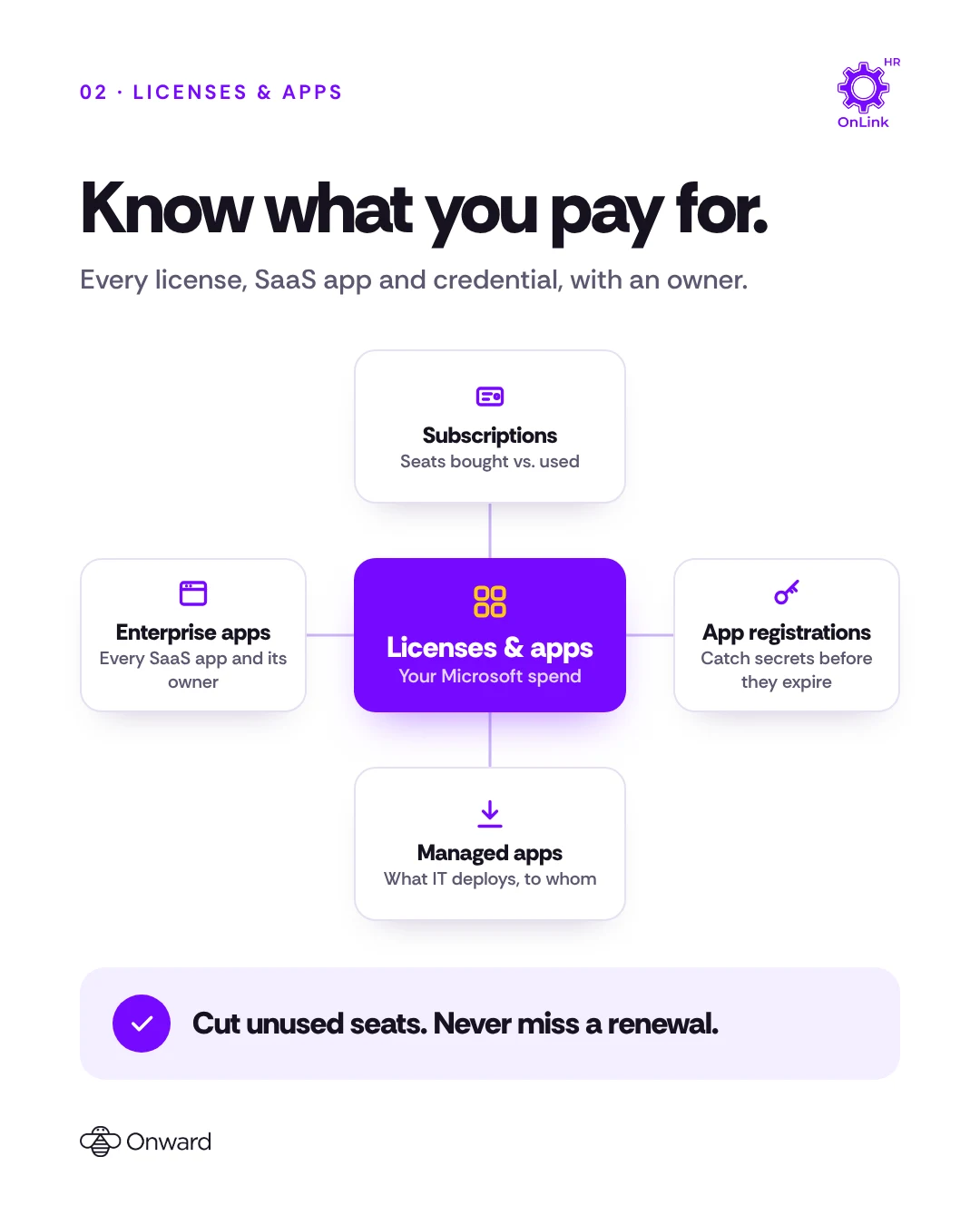
Flag people with no recent sign-in who still hold paid Microsoft 365 seats.
Renew before expiry
Open a request before an app secret, certificate or subscription expires.
Fix non-compliant devices
Create a ticket for the owner when Intune marks a device non-compliant.
Complete offboarding
List the leaver's devices, Cloud PC, groups, apps and licenses on the offboarding ticket.
Keep AI agents owned
Raise a request when an AI agent identity has no owner.
Use in Rovo agents
Rovo agents can use Assets as a knowledge source, so questions about your Microsoft tenant get answers from synced data instead of a portal search. For example:
“Which laptops in the Sales team are non-compliant?”
“How many Microsoft 365 E5 seats are unassigned?”
“Which app secrets expire this month, and who owns those apps?”
“Who owns the AI agents in our tenant?”
“Which device and user are linked to this Defender incident?”
Here is an excellent article on how to use Rovo for searching assets.
Support is always prompt and helpful. The product is easy to work with, and support is always around for any gaps or questions I may have.
Connect once. Connect OnLink to your Microsoft tenant with an app registration and read-only Microsoft Graph permissions.
Pick your objects. Each one becomes an Assets object type, linked to the others.
Set a schedule. OnLink keeps Assets in sync, with no scripts or middleware.
The same app imports from Okta, Jamf, CrowdStrike, Workday and 100+ other sources, so Microsoft data sits next to the rest of your stack. For step-by-step setup, see the Microsoft Graph to JSM Assets guide.
Ready to bring Microsoft Graph into Assets?
Try OnLink on the Atlassian Marketplace and have your Microsoft users, licenses, apps, devices and incidents in JSM Assets today.
Do I need a separate connection for each Microsoft product?
No. Entra ID, Intune, Windows 365, Microsoft 365, Places and Defender data all come from Microsoft Graph, so one OnLink connection to your tenant covers them.
What permissions does OnLink need?
Read-only Microsoft Graph application permissions, and only for the objects you import. The Microsoft Graph to JSM Assets guide lists each one.
Does OnLink store secrets or passwords?
No. For app registrations, OnLink imports only credential names and expiry dates. Microsoft Graph never returns secret values.
Can I import only some users or devices?
Yes. Each import accepts a filter, for example only employees, only company-owned devices or only one building.
Can I start with users and add more later?
Yes. Each object is its own import, so you can start with users and devices and add licenses, apps, Places or incidents when you are ready.
On this page
Microsoft Graph data in Assets
Start a free trial of OnLink on the Atlassian Marketplace. Microsoft Graph is one of 100+ identity, device and HR sources in the same app.