Who owns this repo? Bring GitLab projects into Jira Service Management Assets
When a scan flags a repo, someone has to work out who owns it, whether it is really public and whether anyone still works on it. OnLink now imports GitLab projects and groups into Jira Service Management Assets, so those answers are on the ticket.
In shortOnLink reads GitLab projects through one call to the GitLab Projects API, using a read-only access token, and writes them into Assets with a reference to the owning GitLab group. It works with GitLab.com, Self-Managed and Dedicated.
Why put GitLab projects in Assets
Repository facts live in GitLab, but the questions about them arrive in Jira: security findings, access requests and incidents. Without a link between the two, every ticket starts with a search.
Ownership on the ticket
Every project references its GitLab group, so findings and requests route to the team that owns the code.
Exposure you can search
Visibility is an attribute. One Assets search lists every public repository.
Cleanup with owners attached
Last activity, archived and empty-repository flags turn repo sprawl into a saved filter.
One CMDB across your stack
GitLab sits next to AWS, Google Cloud, Azure, devices and people from OnLink’s other 100+ sources.
What it looks like in Jira Service Management
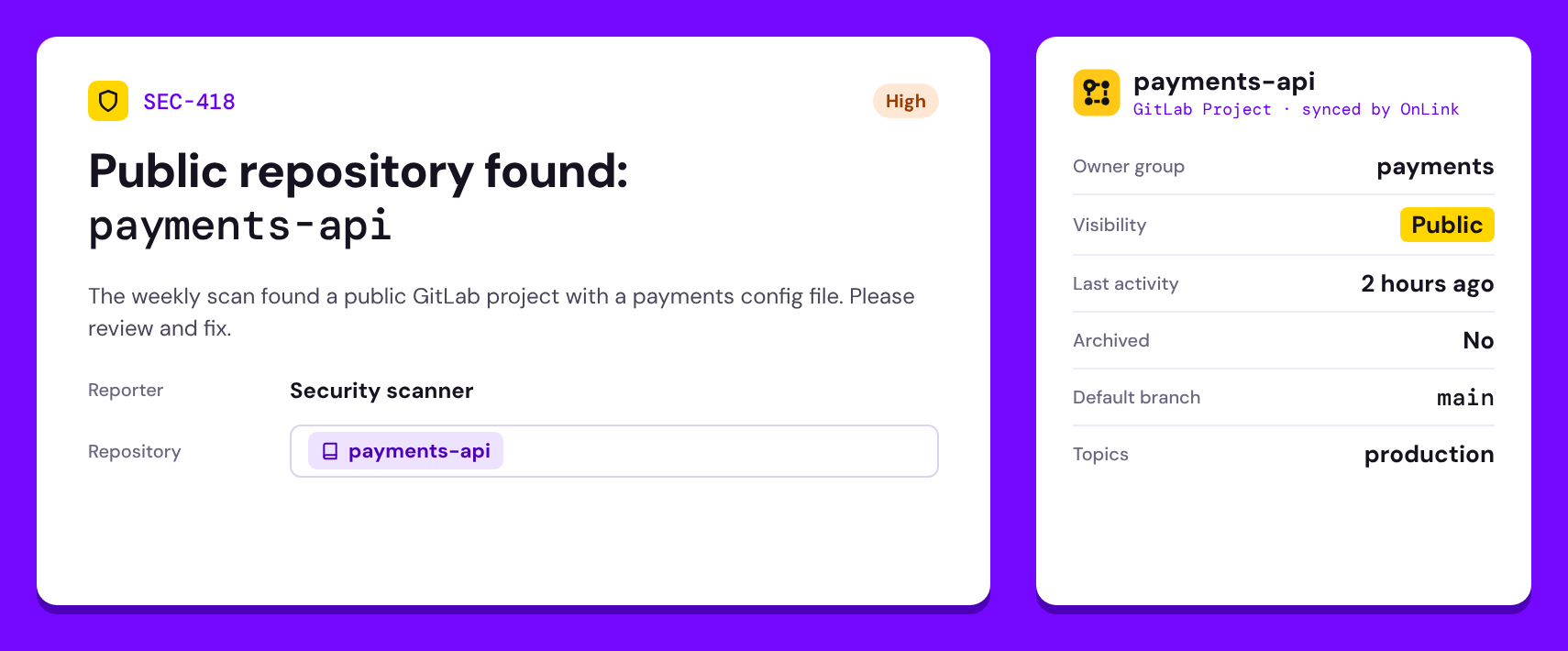
The requester picks the repository from an Assets field. The agent sees the owner group, visibility, last activity and archived state next to the request, without opening GitLab.
Example data. Field names and attributes depend on your Assets schema and mapping.
▶ 60-second short
Watch it in 60 seconds
No time to read? The Short covers the whole flow, from the scanner alert to saved searches.
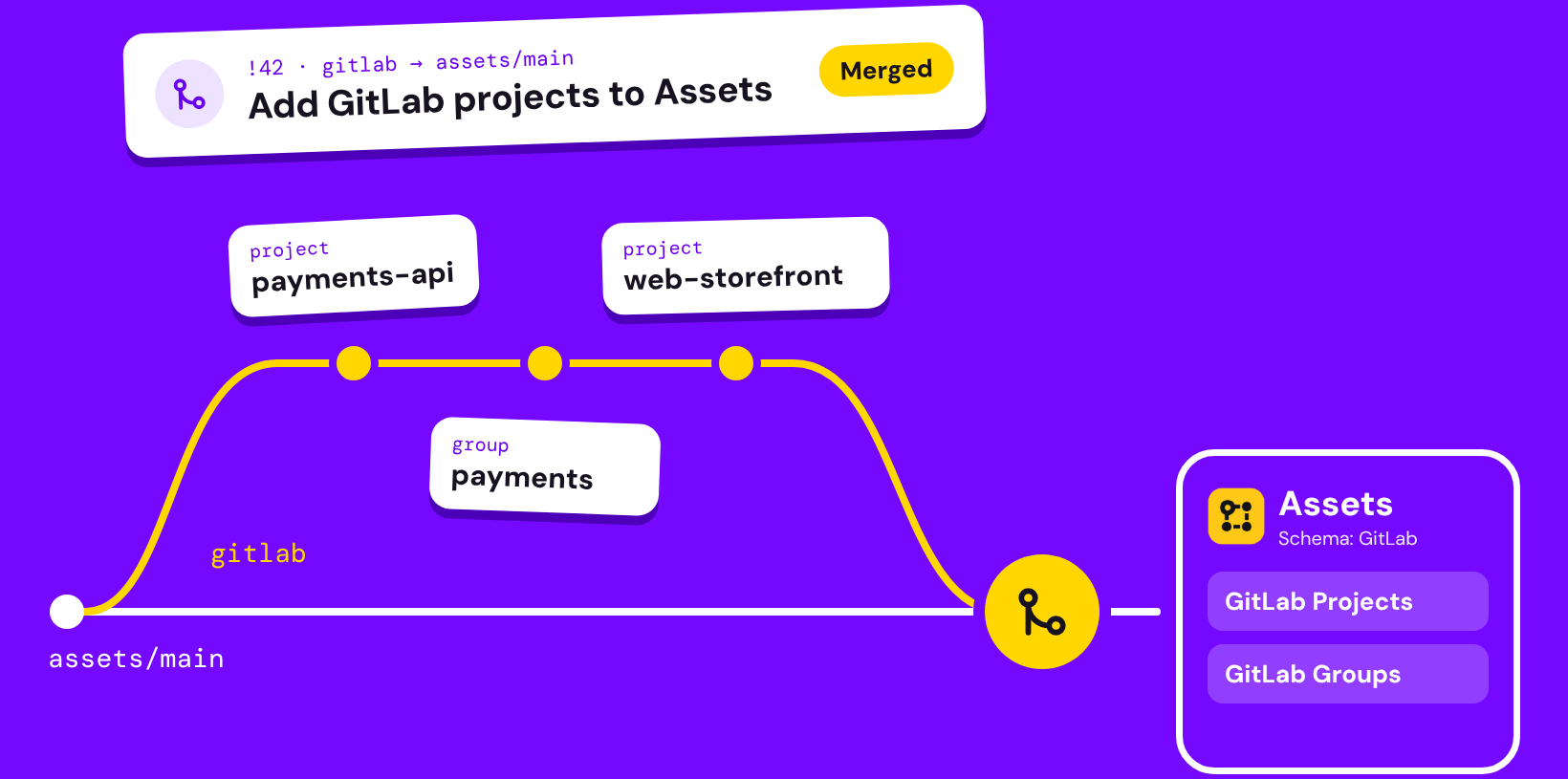
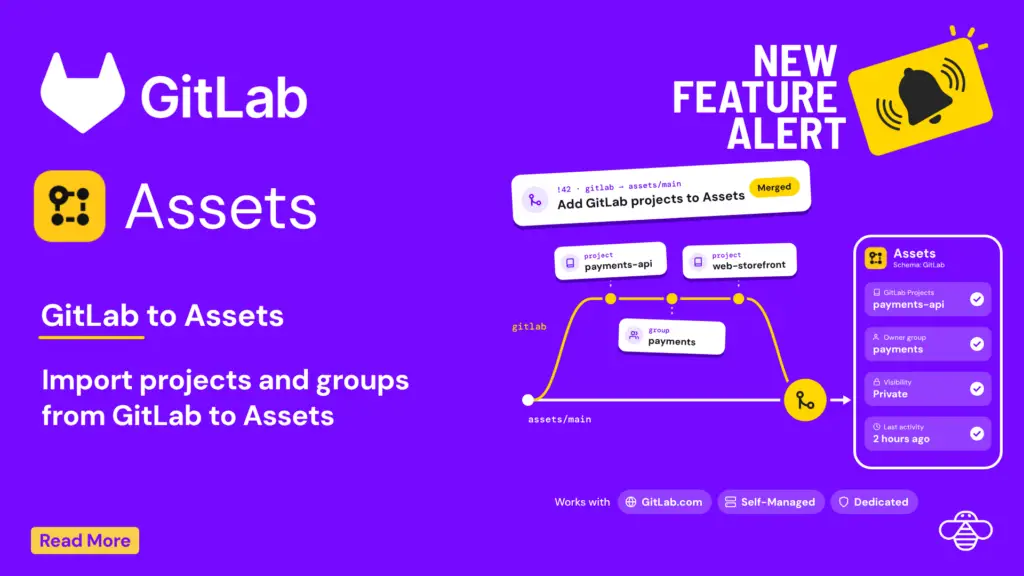
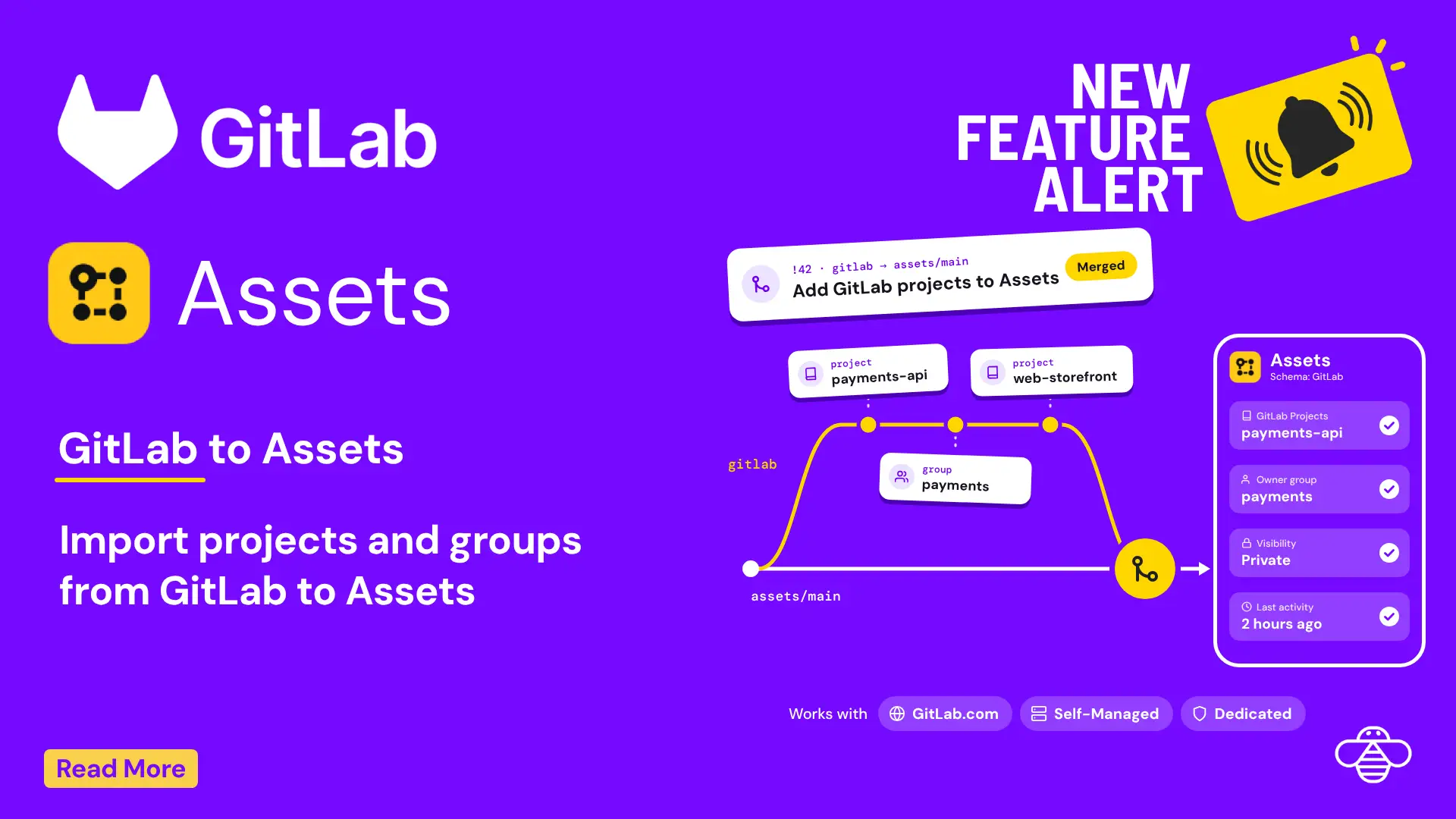
One API call becomes two Assets object types, GitLab Projects and GitLab Groups, linked by a reference so every repository carries its owner.
GitLab projects and groups flow through OnLink into Assets.
How it works
Setup comes down to three parts. The setup guide has every step, sample responses and the full mapping table.
1
Create a read-only token
Create a GitLab group access token with the Reporter role and the read_api scope, then add it to OnLink as a Bearer token.
2
Pull your projects
OnLink calls GET /api/v4/projects?membership=true, or the group projects endpoint, 100 projects per page. Filters such as active=true or visibility=private limit what you import.
3
Map fields and schedule the sync
Key projects on the numeric project ID so renames never create duplicates, map the fields you need, link each project to its group and schedule the import.
OnLink is one app with 100+ connectors. GitLab joins AWS, Google Cloud and Azure, plus HR systems, identity providers, device managers and security tools, all feeding the same Assets schema.
Five questions you can answer once it’s in Assets
Each repository is an Assets object, so the questions people ask in Slack become saved AQL searches:
Question
AQL
Which repos are public?
objectType = "GitLab Project" AND Visibility = "public"
What has gone stale?
objectType = "GitLab Project" AND "Last Activity" < now(-90d) AND Archived = false
Who owns it?
objectType = "GitLab Project" AND Group = "payments"
Which repos are empty?
objectType = "GitLab Project" AND "Empty Repository" = true
Which production repos are public?
objectType = "GitLab Project" AND Topics = "production" AND Visibility = "public"
Bring your GitLab projects into Assets
Start a free trial of OnLink on the Atlassian Marketplace and connect GitLab with a read-only token.