
Apple School Manager to Assets
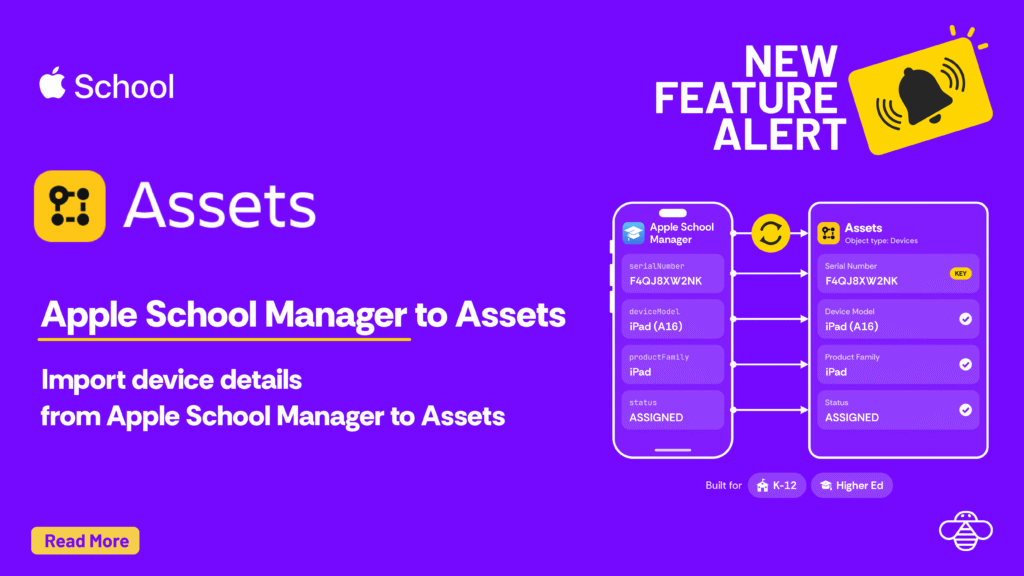
This guide is for Higher Ed and K12 IT teams that use Apple School Manager. We show you how you can manage devices in Assets. Quick preview of other sources you can import to Assets Source What it brings into Assets Apple Business Apple devices for organizations on Apple Business, the counterpart to Apple […]
Onward Apps pricing update, effective January 1, 2027
Starting Jan 1, 2027, prices for OnLink, OnRamp and OnLink AI on the Atlassian Marketplace change across all user tiers. It’s our first price change in three years, and we’ve kept it reasonable and relevant to market conditions. Over those three years we kept shipping. OnLink now connects 100+ sources to Assets, Teamwork Graph and […]
Get Mobile Device Details from Apple Business into Assets
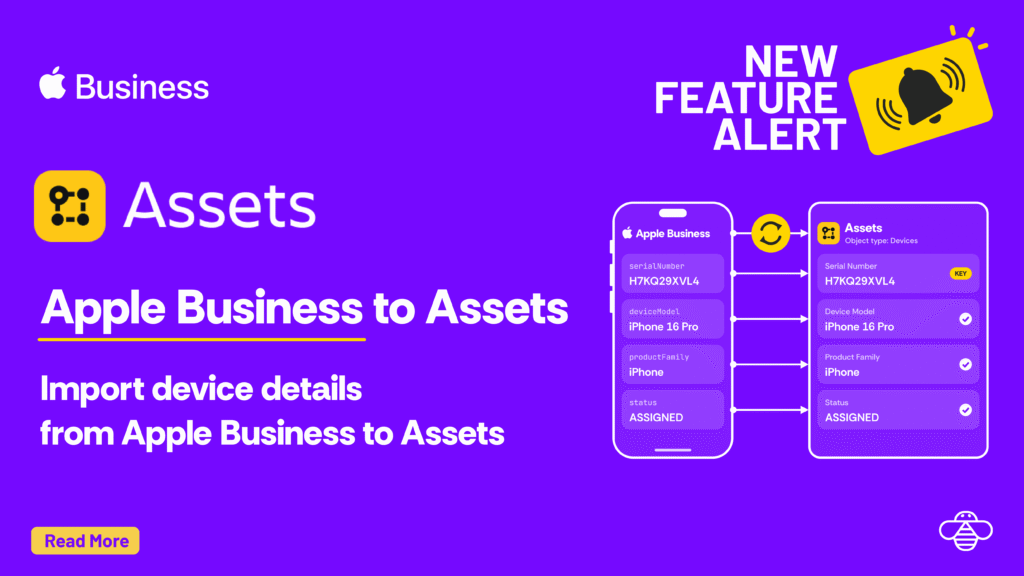
Apple Business already knows every Mac, iPhone and iPad your company has bought: serial number, model, order number, assigned MDM server, AppleCare status. In this blog, we showcase how to import device details from Apple Business to Assets in Jira Service Management. Apple Business API | Apple Developer Documentation https://developer.apple.com/documentation/applebusinessapi Automate device management activities, view […]
Personio to Jira Service Management Assets in 30 mins
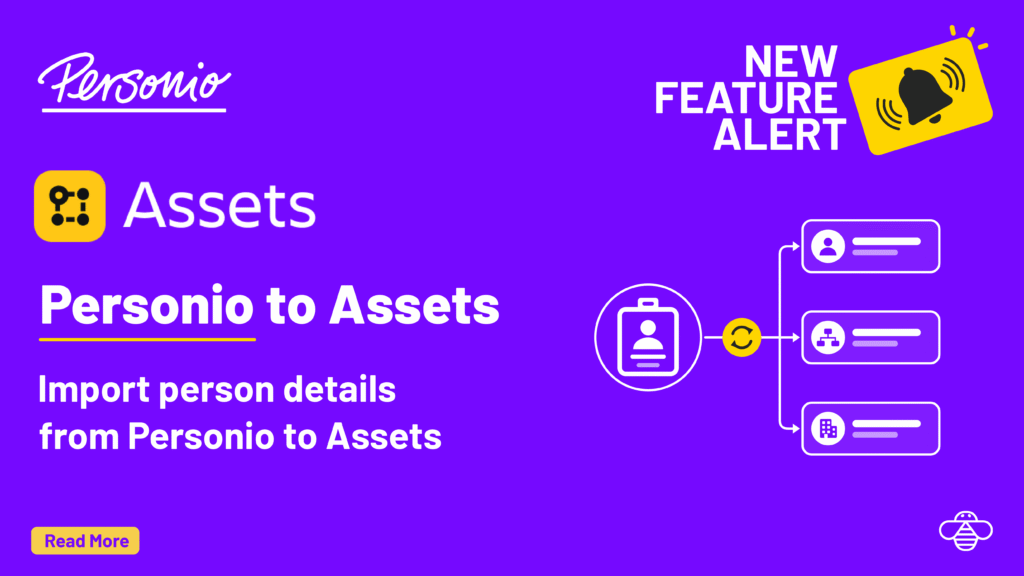
In this article, we showcase importing Personio employee data to Assets in less than 30 mins. Here’s how. Step 1: Connect to the Personio API Personio’s v2 API uses OAuth client credentials. Ask your Personio admin for a Client ID and Client Secret, then add an Assets Data Source in OnLink with these settings: Setting […]
Huntress to Assets: Import Device Details from Huntress to JSM Assets
OnLink imports Huntress agents into Atlassian Assets in three steps: connect to the Huntress API with Basic Auth, pull devices from the agents endpoint, and map the fields to Assets attributes. Every Huntress-protected device then becomes an Assets object your team can link to Jira Service Management requests and incidents. Step 1: Connect OnLink to […]
NinjaOne to Assets: Import Device Details from NinjaOne to JSM Assets
OnLink now imports device details from NinjaOne straight into Atlassian Assets, so your CMDB reflects every managed endpoint without manuak exports or custom coding. Setup takes three steps: connect to the NinjaOne API, pull your devices, and map the fields into Assets. Step 1: Connect OnLink to the NinjaOne API OnLink connects to the NinjaOne […]
Import Mobile Devices from Jamf Pro into Assets
This post walks through importing mobile device details from Jamf Pro into Assets using OnLink. The example uses Jamf Pro V2 API. You can configure to use V3, V4 API versions as well. Step 1: Connect OnLink to Jamf Pro Before you start, have these ready: A Jamf API role and client with read […]
Import ServiceNow Data into Atlassian Service Collection Assets with OnLink
OnLink now pulls records from any ServiceNow table straight into Assets, with no middleware and no CSV exports. Many teams run ServiceNow for some IT workflows and Jira Service Management for others. Or they are moving off ServiceNow entirely. Either way, the CMDB data has to live where agents work. OnLink connects to the ServiceNow […]
Import CrowdStrike Falcon Data into Jira Service Management Assets
This guide covers how to connect Crowdstrike Falcon to Assets in Jira Service Management. CrowdStrike Falcon API connection CrowdStrike exposes Falcon data through a REST API secured with OAuth2 client credentials. Full reference: developer.crowdstrike.com/api-reference. Create an API client In the Falcon console, go to Support and resources → API clients and keys. Click Create API […]
Why your HR data needs to be in Atlassian Teamwork Graph
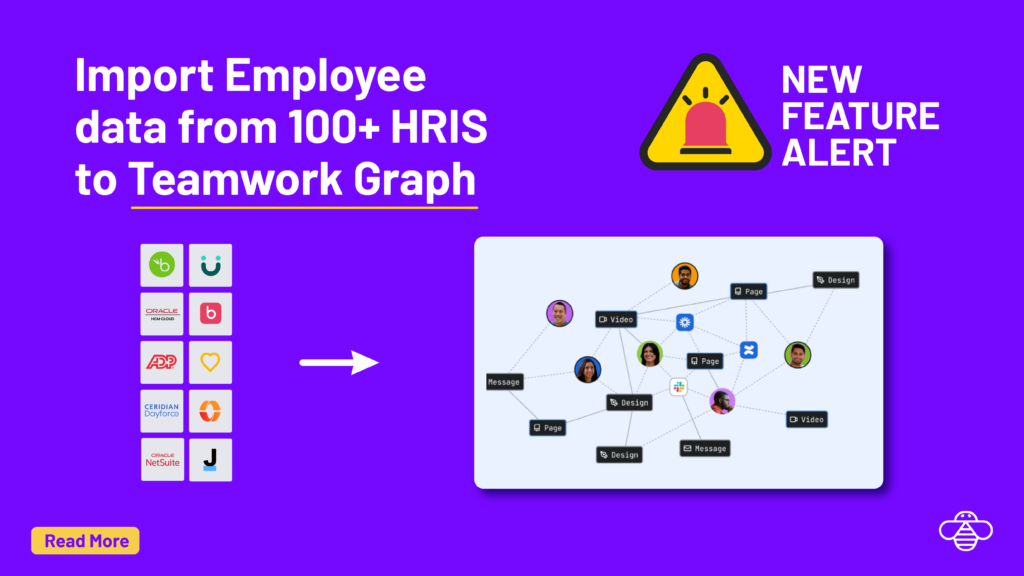
Employee data in JSM tickets ✅ Employee data in Assets ✅ Employee data in Teamwork Graph ❓ OnLink is known for the first two. Now, it handles the Teamwork Graph integration as well. Here’s why it matters, and how to get there in a few steps. What is Teamwork Graph Teamwork Graph is Atlassian’s unified […]