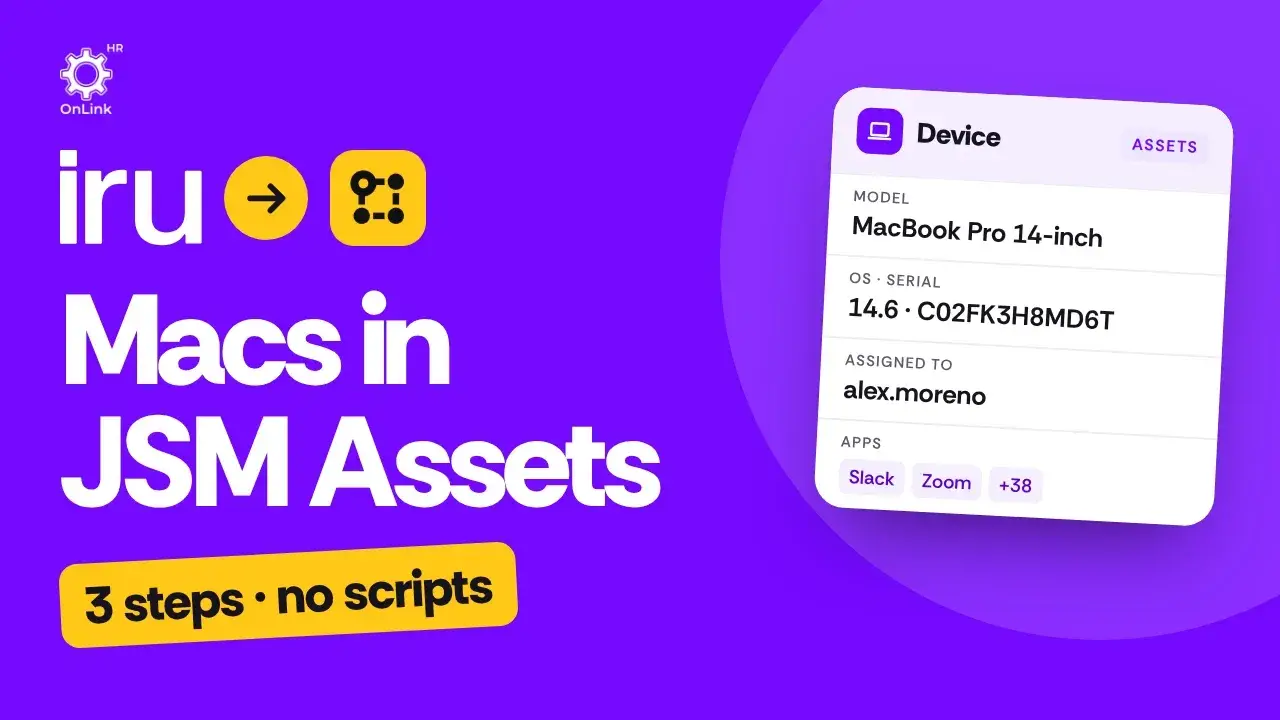
One App, Every Source: What OnLink Connects to JSM Assets
Your HR people live in an HRIS such as Workday, BambooHR or ADP Workforce Now. Their identities live in Okta or Entra ID. Their laptops live in Jamf or Intune. Your servers live in Azure, NetBox or Google Cloud. And your service desk lives in Jira Service Management (Atlassian Service Collection), trying to work out who owns what.
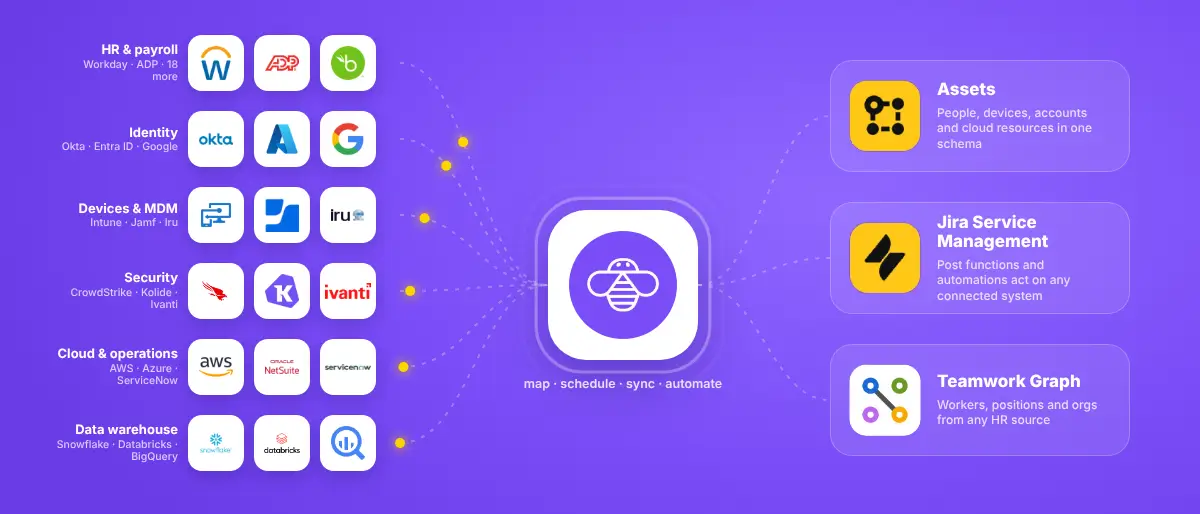
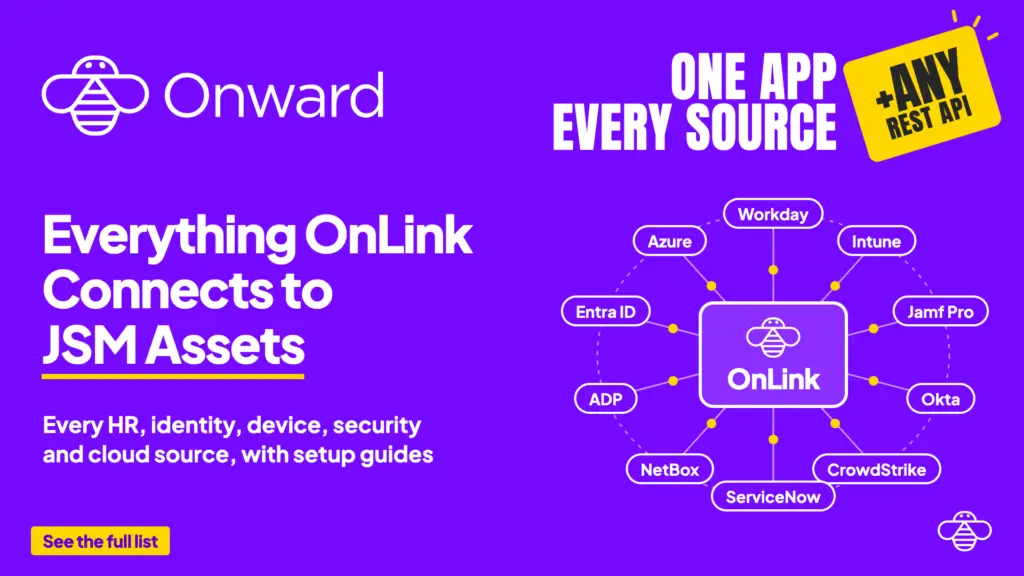
OnLink is one Atlassian Marketplace app that connects all of those systems to JSM Assets. Not one app per source: one app, one subscription, 100+ named sources across six categories, plus a connector for almost any REST API. Every source below links to its setup guide.
Every source category reaches JSM Assets, Teamwork Graph and Jira workflows through the same OnLink app.
Why one app beats an app per source
A lot of Assets import tools are built one source at a time: one app for Jamf, another for Intune, another for your HR system. Every new source means another Marketplace listing to evaluate, another security review, another subscription and another settings screen to learn.
OnLink works the other way:
One install, one security review. OnLink is Cloud Fortified and also available in Atlassian Government Cloud.
One subscription. Adding a source doesn’t mean buying another app.
Any number of connections. Two HR systems, three MDMs and a CMDB can all run from the same app.
One way of working. Every source follows the same pattern: add the connection, map fields to your Assets schema, run the sync.
More than imports. The same connections power Jira and JSM workflows, webhooks, Teamwork Graph imports, and Assets backup and restore.
Every source on this page reaches JSM Assets through the same app.
How this comparesPio and similar importers sell one app per source, with Standard tiers capped at 2 connections. OnLink is $575/month at 100 users for any number of sources and connections. The full comparison, with Marketplace pricing checked in October 2026, is in JSM Assets integrations compared.
HR, HCM and payroll
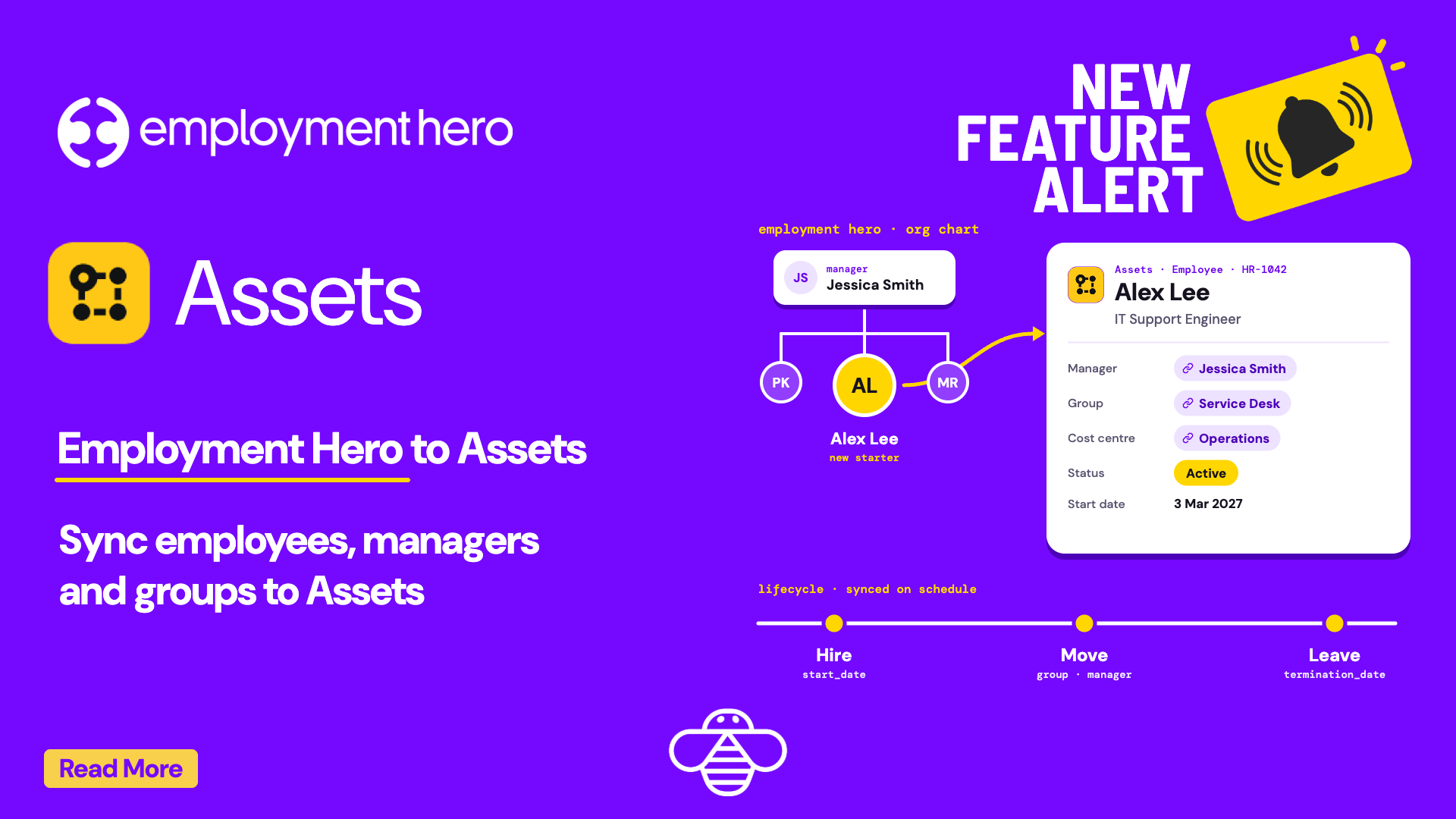
Keep employee records in Assets in step with your HR system of record, whichever one you run.
See who has access to what, and act on it. Several of these go beyond imports: OnLink can create, disable or provision users from Jira and JSM workflows.
Automates identity governance tasks; imports user, organization and role data
Device management (MDM and UEM)
Get every Mac, PC, phone and tablet your MDM manages into Assets, so agents can see the device right from the ticket. Running Jamf for Macs and Intune for Windows? Connect both from the same app.
Ashby, Lever and HubSpot connect to OnLink through webhooks, so events from your recruiting and CRM tools reach OnLink as they happen.
Don't see your source?
If it has a REST API, you can still connect it.
Anysource Connector pulls asset data into Assets from almost any REST API. Save the endpoint, authentication and pagination once, then reuse it.
OnLink AI connects Jira and JSM workflows, automations and Rovo Agents to any REST API. It supports API tokens, Basic and Bearer auth, OAuth 2.0, Google JWT and SFTP.
Email lets OnLink workflows send email through Google Workspace or Resend.
The app handles multi-source data imports into Assets well, overcoming gaps in other native solutions. Support has been responsive, and documentation is clear and thorough.
Most sources need a credential from that system’s admin console. Here’s what the common ones ask for; the setup guide for each source lists the exact steps.
OnLink is an Atlassian Marketplace app from Onward that connects HR, identity, device management, security, infrastructure and business systems to Jira Service Management (JSM) Assets. One app covers 60 named sources on this page, part of 100+ integrations, plus almost any REST API.
Do I need a separate app for each source?
No. One OnLink install connects to every source on this page, and you can add any number of connections.
Can OnLink import Jamf and Intune devices into JSM Assets?
Yes. OnLink imports device data from Jamf Pro, Microsoft Intune, Iru (Kandji), Workspace ONE UEM, Addigy, Ivanti, Samsung Knox, Apple Business Manager and other MDM and UEM tools.
Can OnLink sync employees from Workday or another HR system into Assets?
Yes. OnLink imports employee data from Workday, ADP Workforce Now, BambooHR, UKG Pro, Rippling, SAP SuccessFactors, Oracle HCM, Personio, Paylocity, Dayforce and more.
Can OnLink import Okta users into Assets and manage Entra ID users?
Yes. OnLink imports users, groups and identity data from Okta, JumpCloud, OneLogin, ManageEngine ADManager Plus and Saviynt. With Okta, Entra ID, JumpCloud and PingOne it can also create, disable or provision users from Jira and JSM workflows.
What if my system isn't listed?
Use the Anysource Connector to pull data into Assets from almost any REST API, or OnLink AI to call any REST API from Jira and JSM workflows.
Is OnLink secure?
OnLink is Atlassian Cloud Fortified, and it’s available in Atlassian Government Cloud.
Does OnLink's price go up when I add more sources or connections?
No. OnLink is priced on your Jira user tier, not on sources or connections. At 100 users it is $575/month on Standard and $600/month on Advanced (which adds Assets backup and restore), whether you connect one source or twenty. See the pricing comparison and the Marketplace pricing tab.
How is OnLink different from a single-source importer?
A single-source importer handles one system, so five sources mean five apps, five security reviews and five renewals. OnLink handles all of them from one install with one configuration for field mappings, which also makes it simple to link people (from HR) to devices (from your MDM) inside Assets.
Which Atlassian destinations can OnLink write to?
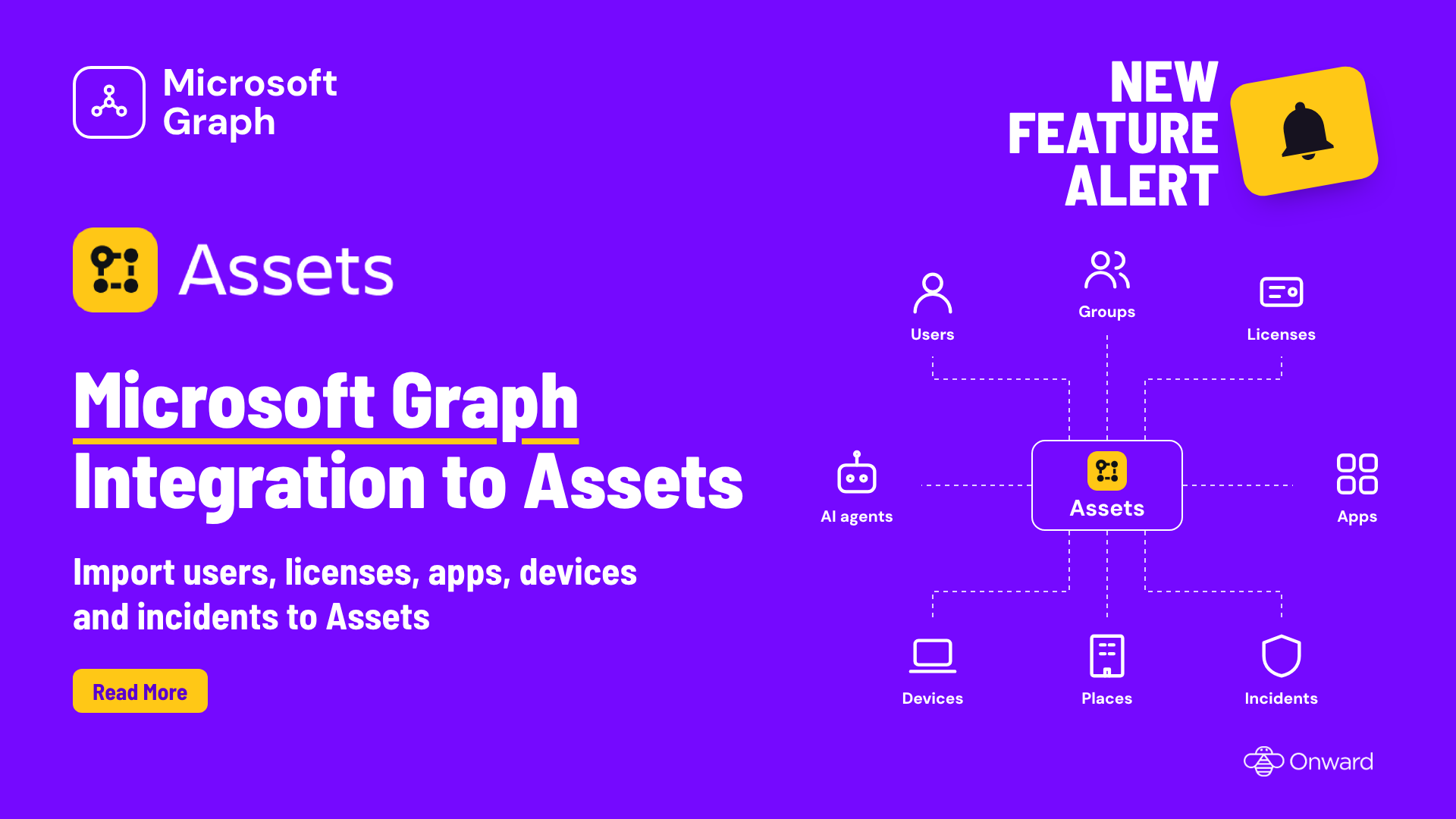
JSM Assets (objects, attributes and references), Atlassian Teamwork Graph (workers, positions and organizations from any HR source) and Jira or JSM workflows through post functions, automations and webhooks. OnLink Advanced also backs up and restores Assets schemas.
On this page
Try OnLink Today
OnLink is Cloud Fortified and Gov Cloud ready. Try it free for 30 days.
Install OnLink from the Atlassian Marketplace, add your first connection and follow the setup guide for that source. The complete, always-current list lives in the OnLink documentation. Need a source that isn’t here yet? Tell us which one.