

What you'll see
- The ticket, before OnLink — “my laptop keeps showing warnings”, and the agent goes hunting through the Defender portal, a spreadsheet and Slack.
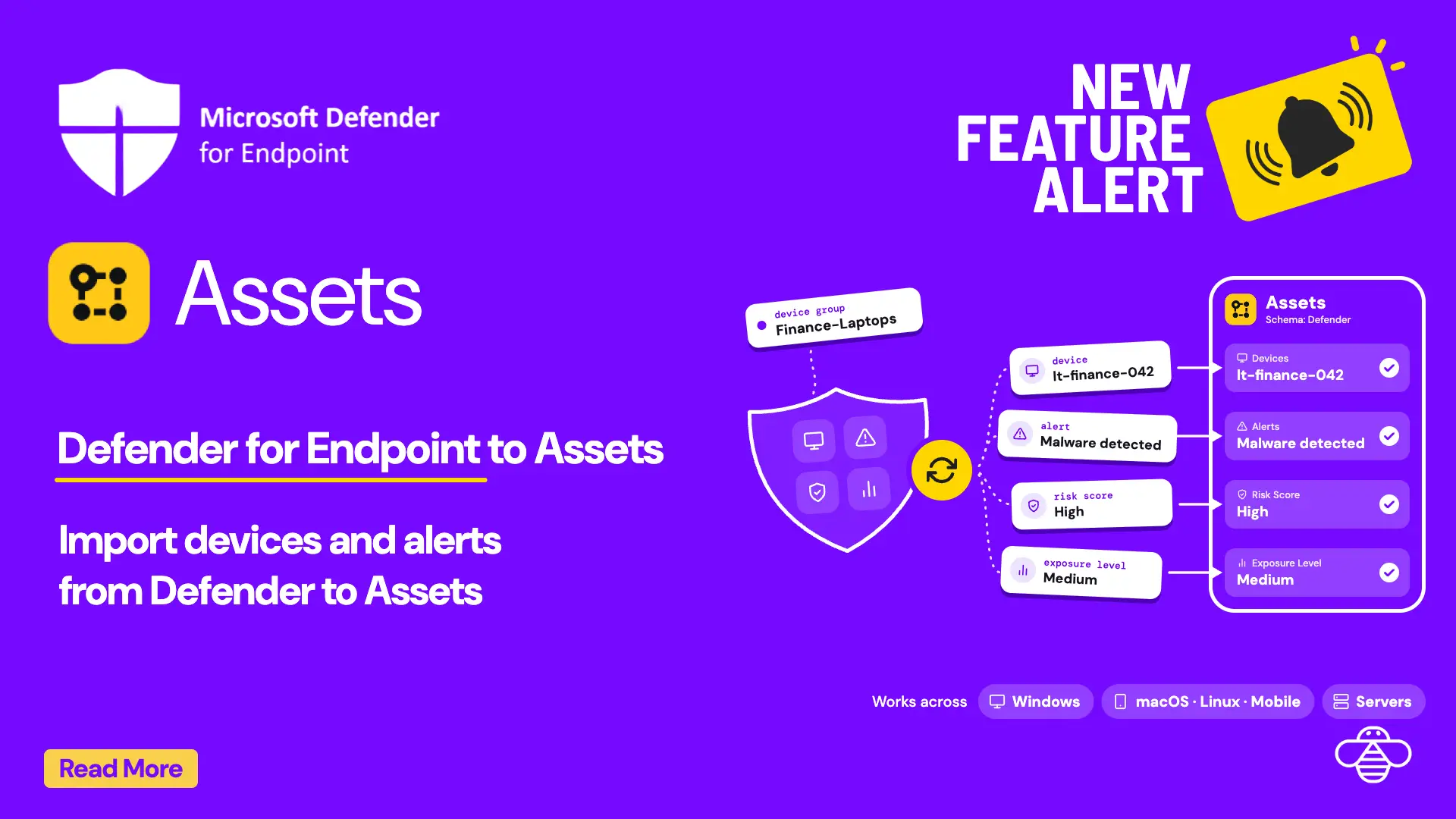
- Picking the exact device from Assets — the Assets field lists real Defender devices with OS, device group and risk score, filtered as you type.
- What the agent sees on the ticket — risk score, exposure level, health status and the two open Defender alerts, right on the incident.
Notes from the video
In this 30-second demo, a requester picks the exact Defender-protected laptop on a Jira Service Management request instead of describing it, and the agent sees its risk score, exposure level, health status and open alerts right on the ticket. OnLink reuses the Entra ID app registration you already have, adds two WindowsDefenderATP permissions, and calls the List machines and List alerts APIs to sync Defender Device and Defender Alert objects into JSM Assets. Read the walkthrough: Microsoft Defender for Endpoint to Jira Service Management Assets.
Read the full walkthrough
Setup, object mapping, filters and FAQ · 5 min read