What you'll see
- The request form, before OnLink — a free-text field where the requester has to describe the VM.
- Picking the exact VM from Assets — the Assets field lists real Google Cloud VMs, filtered as you type.
- What the agent sees on the ticket — project, zone, internal IP and service account, right on the request.
Notes from the video
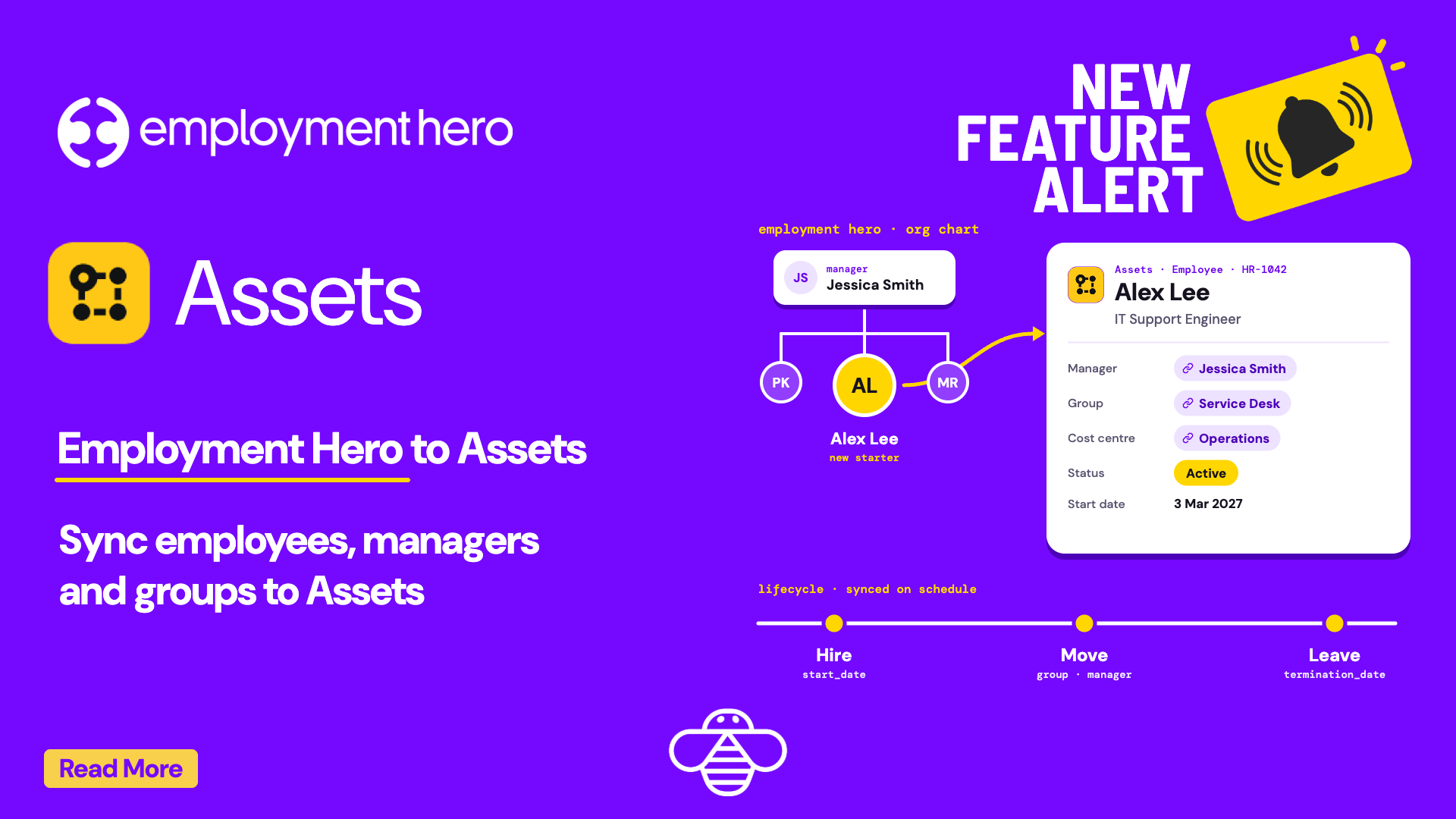
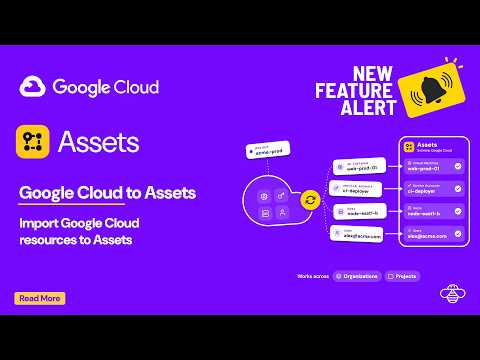
In this 30-second demo, a requester picks the exact Google Cloud VM on a Jira Service Management request instead of guessing, and the agent sees its project, zone, IP and service account right on the ticket. OnLink uses a read-only Google Cloud service account and one Cloud Asset Inventory call to sync VMs, service accounts, hosts, projects and users into JSM Assets. Read the walkthrough: Importing Google Cloud resources into Assets.
Read the full walkthrough
Setup, object mapping, how it works and FAQ · 4 min read