What you'll see
- The ticket, before OnLink — a security scan flags
payments-apias public, and nobody on the ticket knows who owns it. - The hunt — four questions in a Slack channel: who owns it, is it really public, is anyone still committing, is it archived.
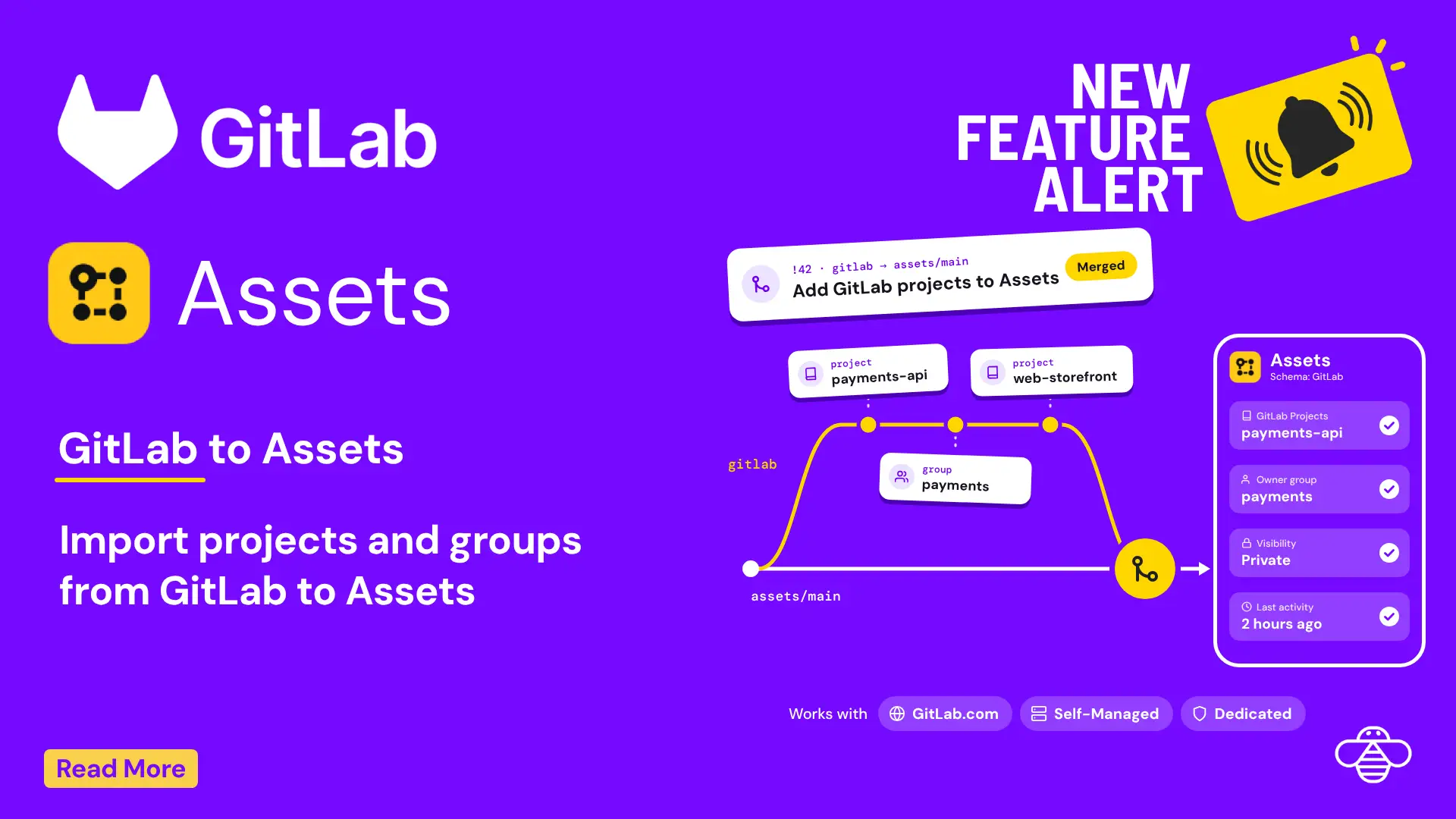
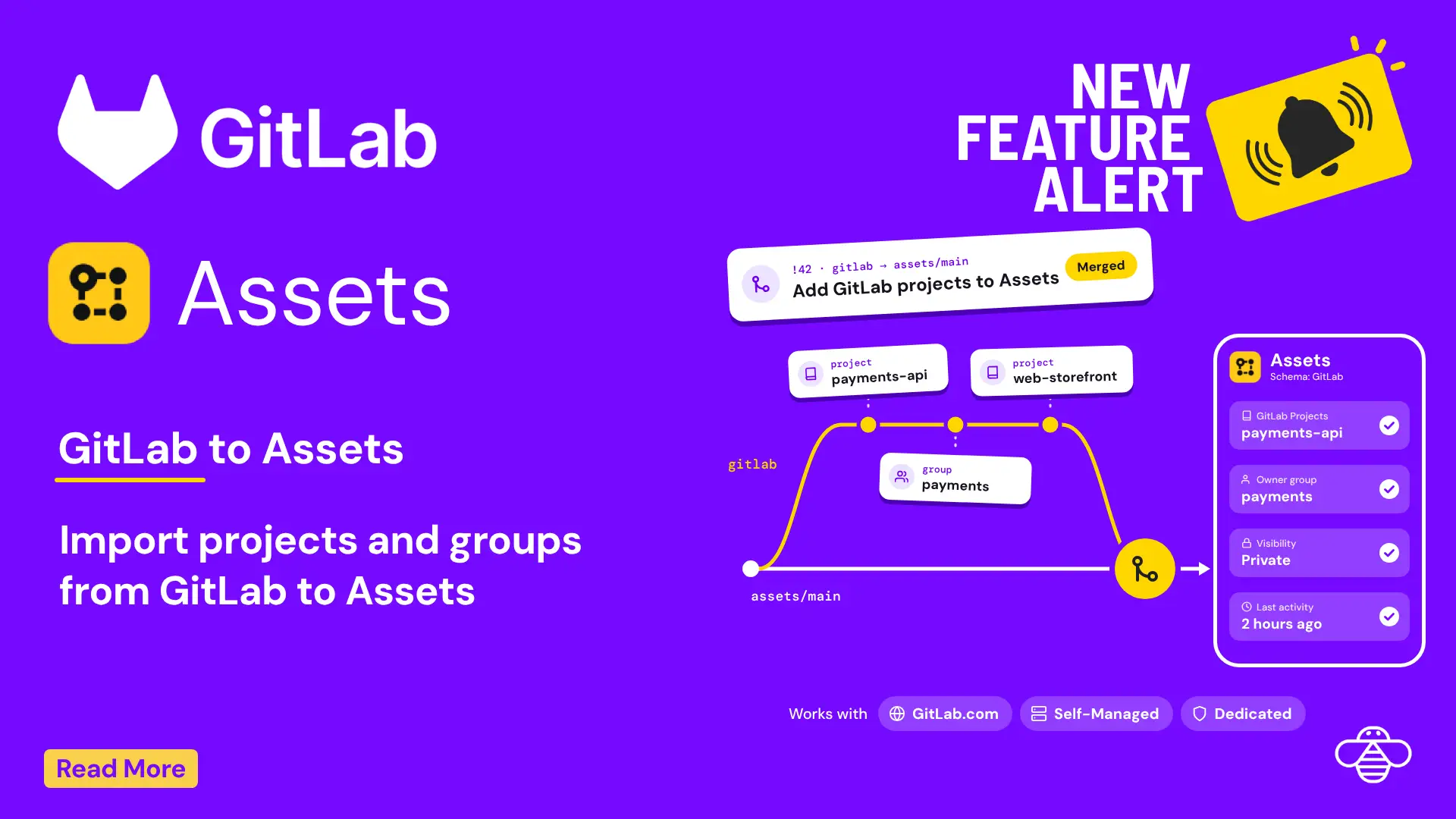
- GitLab merges into Assets — OnLink pulls projects and their groups from the GitLab Projects API with a read-only token.
- What the agent sees on the ticket — owner group, visibility, last activity, archived state, default branch and topics.
- One search for every public repo — an AQL query lists every public GitLab project in Assets.
Notes from the video
In this 30-second demo, a security finding names a GitLab repository and the agent sees its owner group, visibility and last activity right on the Jira Service Management ticket. OnLink reads projects from the GitLab Projects API with a read-only read_api token, writes them into Assets with a reference to the owning GitLab group, and works the same for GitLab.com, Self-Managed and Dedicated.
Read the full walkthrough
Setup, object mapping, AQL queries and FAQ · 5 min read