When Wilson’s HR team welcomed a new cohort of hires, they thought the onboarding process was smooth. Training schedules? Check. Welcome kits? Check. Buddy system? Check.
But then Melissa, their HR Business Partner, started noticing a problem. New hires seemed enthusiastic on day one… but by week three, engagement dipped. Some were confused about processes, others felt disconnected from their managers. Melissa needed real feedback — and fast.
That’s when she turned to OnSurvey, a survey app built right into Workday.
Here’s how she used it to transform the onboarding experience:
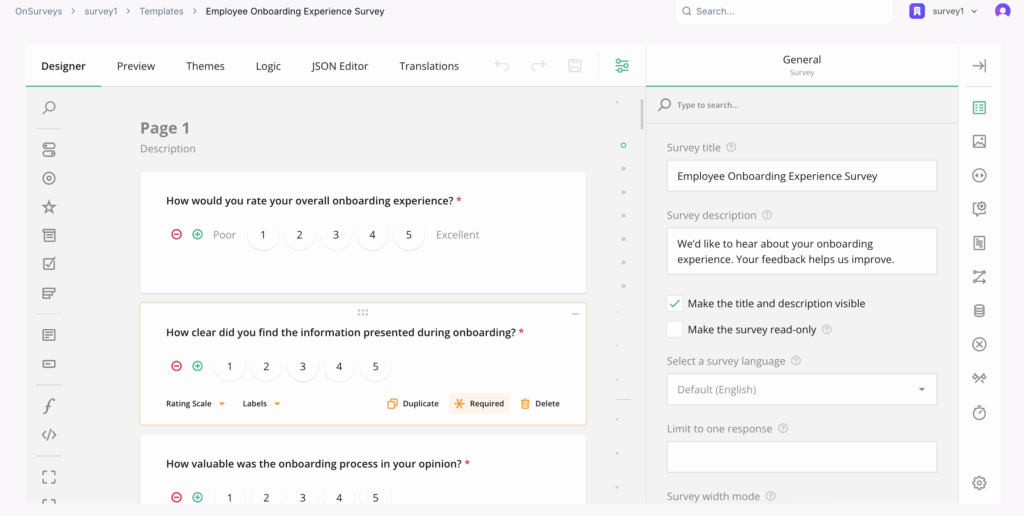
Melissa used OnSurvey’s ready-to-use surveys to build a simple Day-7 and Day-30 new hire survey.
She added quick rating scale questions to measure satisfaction.
Customized the look to match Wilson’s branding.
Included an open-text question: “What’s one thing that could make your onboarding smoother?”
Suddenly, surveys felt approachable, not corporate.
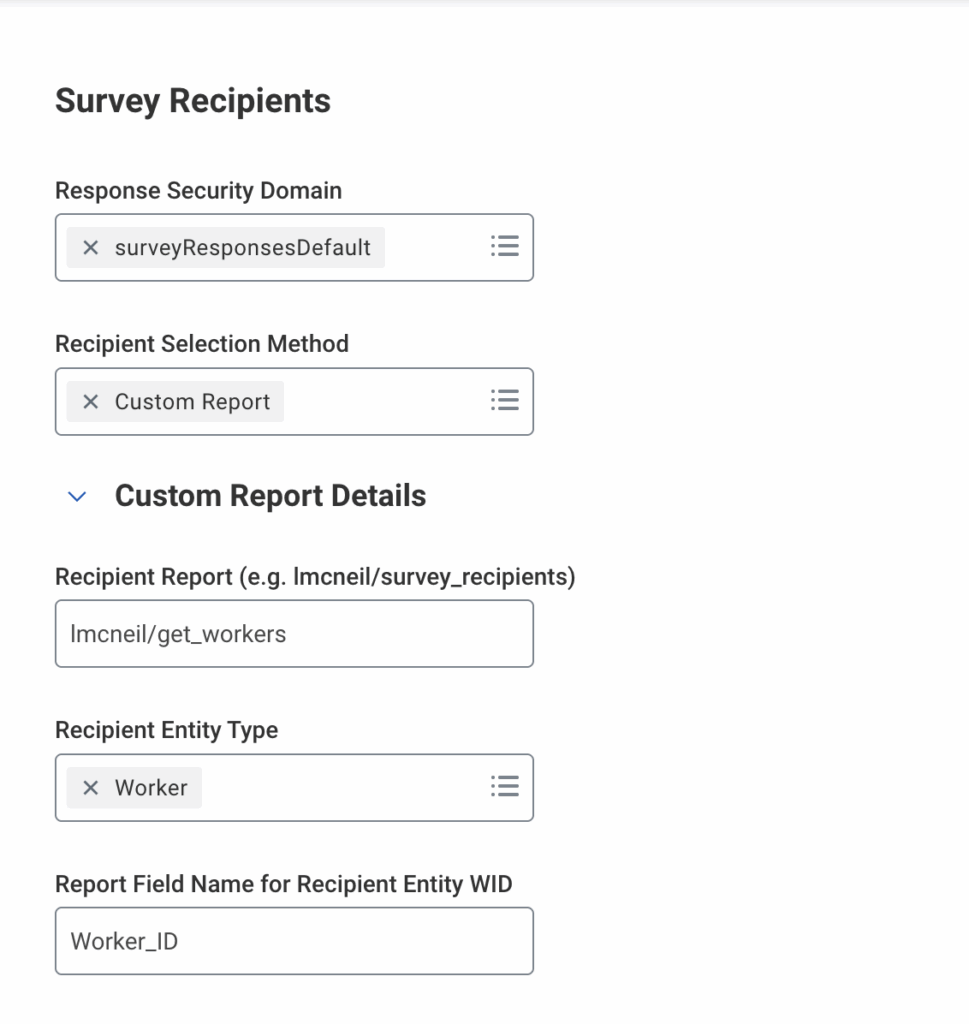
Instead of juggling external tools, Melissa set surveys to trigger automatically in Workday. That way employees received them right when onboarding milestones happened.
No manual emails.
No integration hassles.
Just a smooth, native Workday experience.
OnSurvey supports both Workday business process events or Workday custom reports to send to recipients.
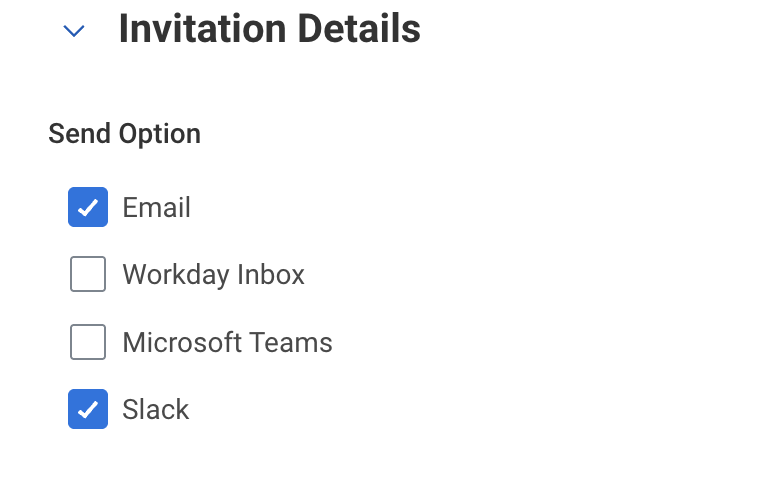
OnSurvey also supports sending notifications in Slack, Teams or Workday Inbox.
Note: Users can submit surveys right within Slack or Teams.
Participation skyrocketed. Why?
Surveys were embedded right in Workday tasks, Slack or Team and not lost in inbox clutter.
Gentle reminders nudged employees who hadn’t responded.
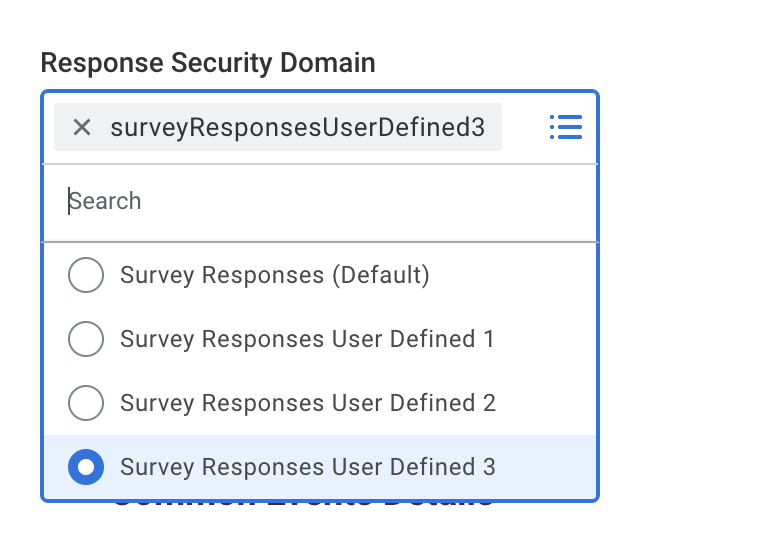
All Survey responses are stored in Workday with granular security domains. i.e we can have security policies where manager can only see responses from their direct reports and HR Business Partner can see all the responses.
Melissa didn’t need to export spreadsheets or chase down reports.
She opened OnSurvey responses directly within Workday Reports.
For advance analytics using Worksheets to analyses response.
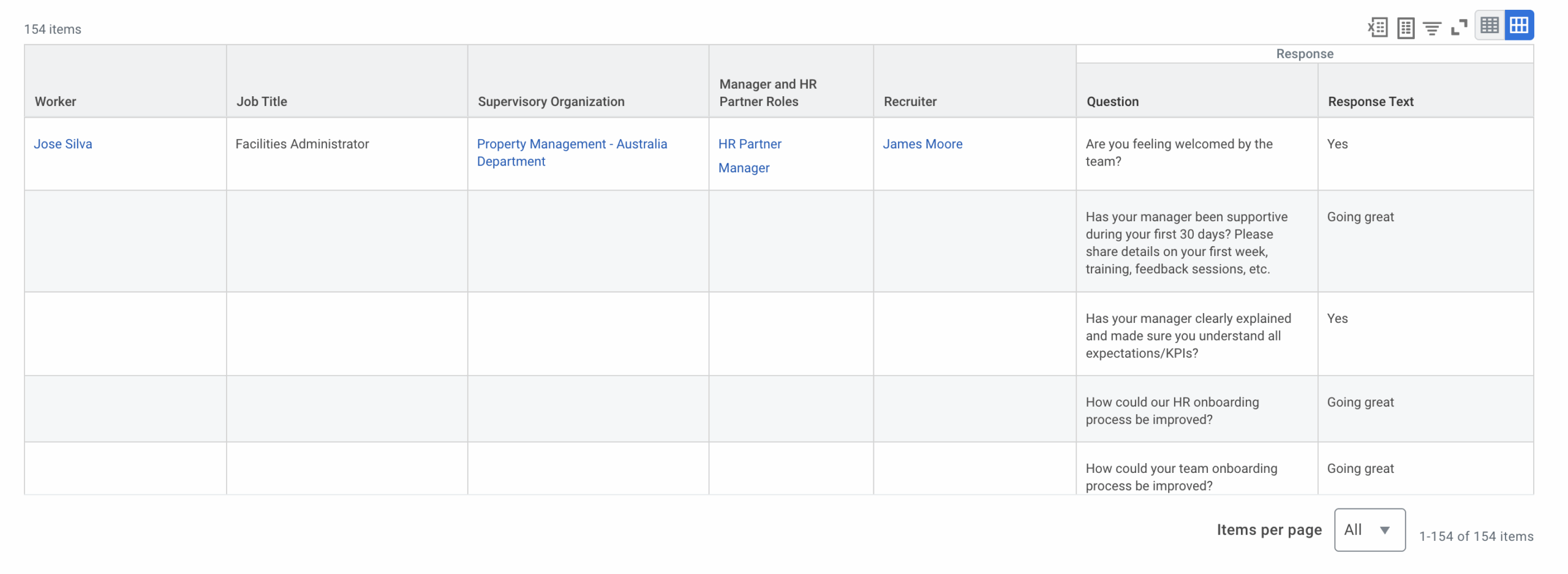
It was the kind of insight no welcome checklist could ever capture.
Collecting feedback shouldn’t feel like 1999. With OnSurvey, Wilson HR moved from assumptions to action, all within Workday.
Want to see how OnSurvey can transform your candidate experience too?
Book a demo with Onward at Workday Rising.