
This post covers how to connect HiBob (Bob HR) with Atlassian Service Collection. Not a day goes by if we don’t talk about Onboarding and Offboarding :).
When a new employee record is created in Bob, the integration automatically creates a JSM ticket (or a set of linked tickets) for IT onboarding tasks: hardware procurement, email and SSO account setup, software license assignment, and building access. The ticket is pre-populated with the employee’s name, start date, department, location, and manager — pulled directly from Bob. IT sees a fully structured request on day one, not a last-minute Slack message.
When an employee’s status changes to terminated in Bob, the integration triggers offboarding tickets in JSM: revoke SSO access, recover hardware, disable email, remove from distribution lists, and archive accounts. The automation ensures nothing is missed, and the audit trail is clear for compliance reviews.
Employees submit HR service requests through JSM — address changes, tax form updates, benefits inquiries, leave balance questions. When a request is resolved in JSM, the integration can push the updated information back to Bob, keeping employee records current without requiring HR to manually update the HRIS after closing the ticket.
OnLink supports three integration patterns between Bob and Service Collection (JSM). Each addresses a different direction of data flow.
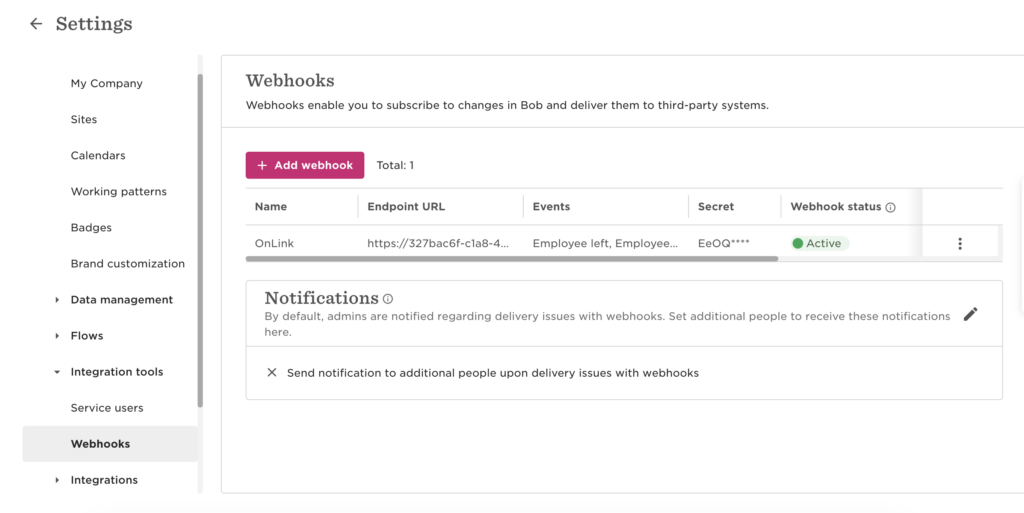
What it does: When specific events occur in Bob e.g a new hire, a termination, a department change, Bob sends a webhook notification to OnLink, which creates a corresponding ticket in JSM.
How it works:
HiBob Webhook Configuration
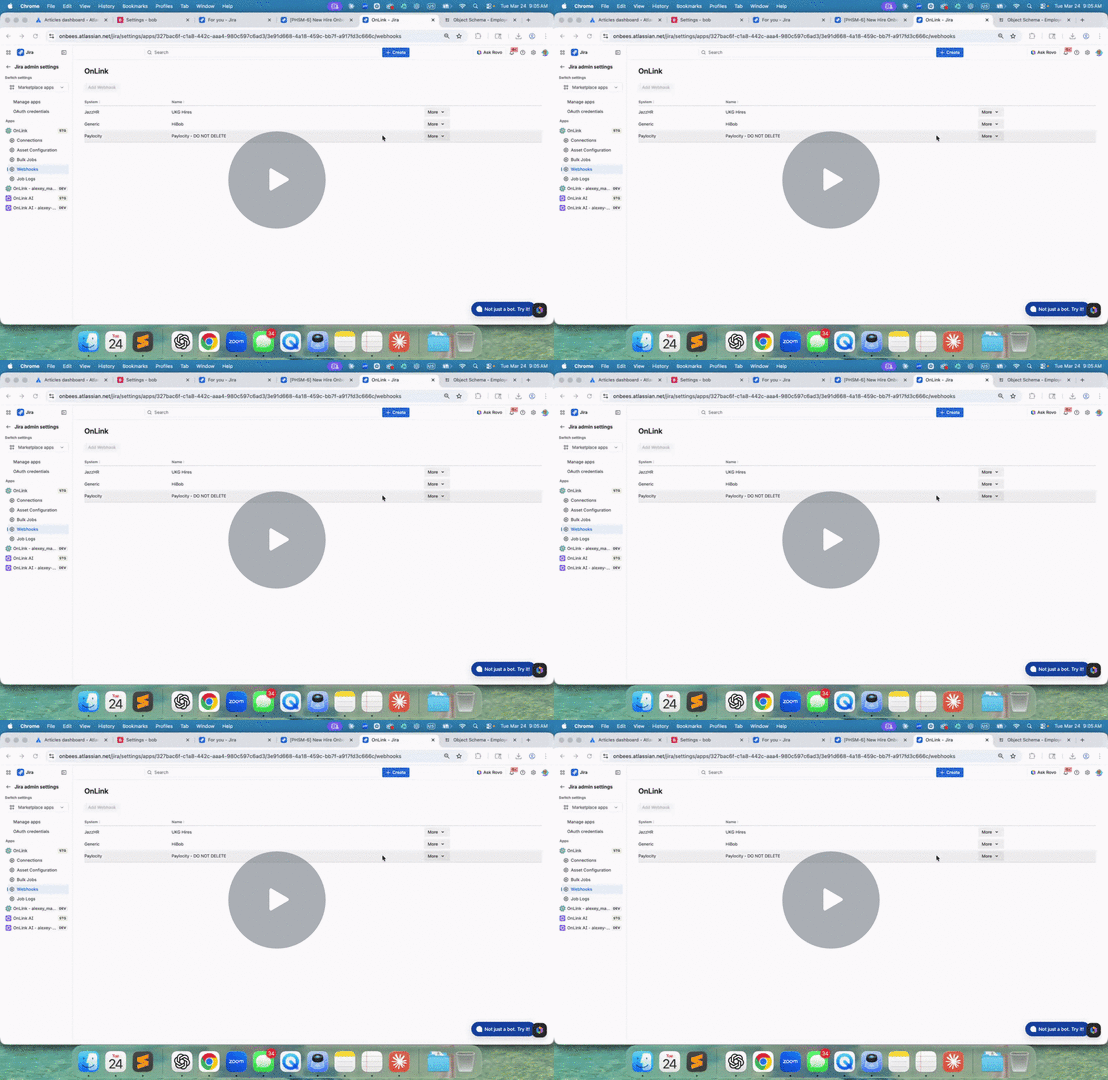
OnLink Webhook Configuration
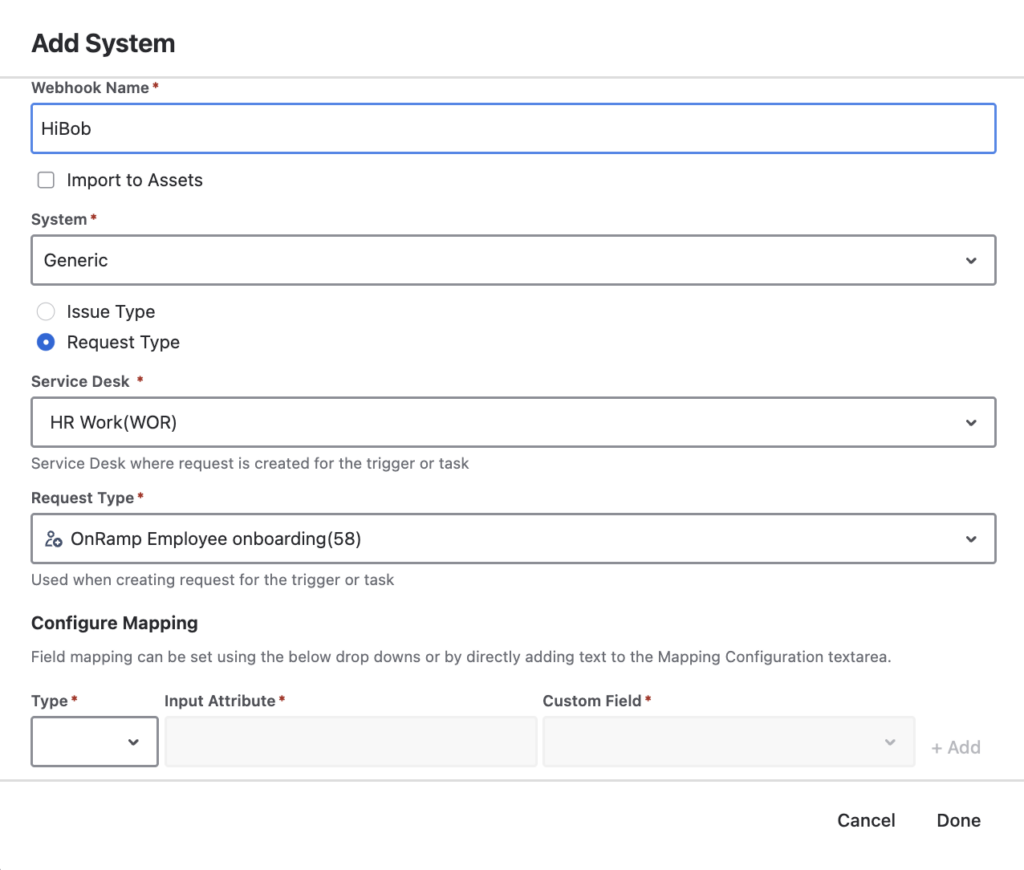
Result: HR events in Bob automatically produce structured, data-rich tickets in JSM — no manual ticket creation required.
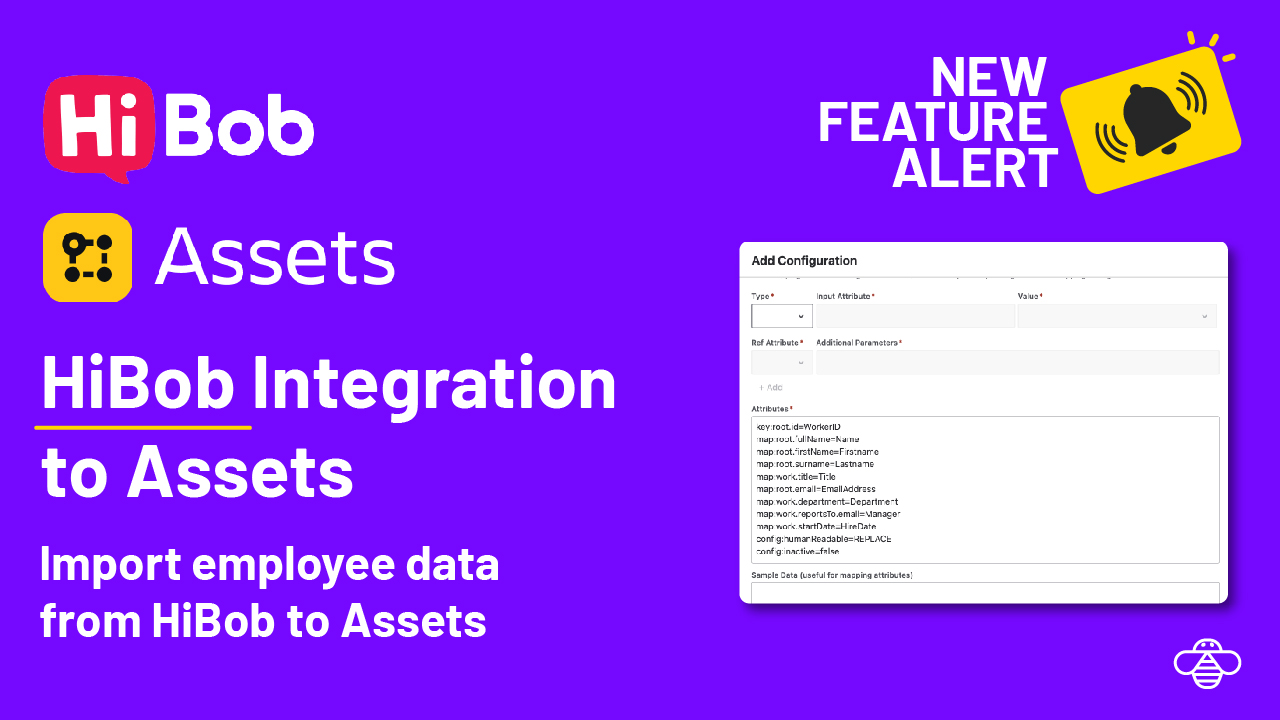
What it does: Syncs employee records from Bob into JSM’s Assets (formerly Insight), giving IT teams a current, searchable directory of employees linked to their assets, services, and configuration items.
How it works:
Follow the Bob HR to JSM Assets Configuration Guide for step-by-step setup instructions.
OnLink HiBob Assets Configuration
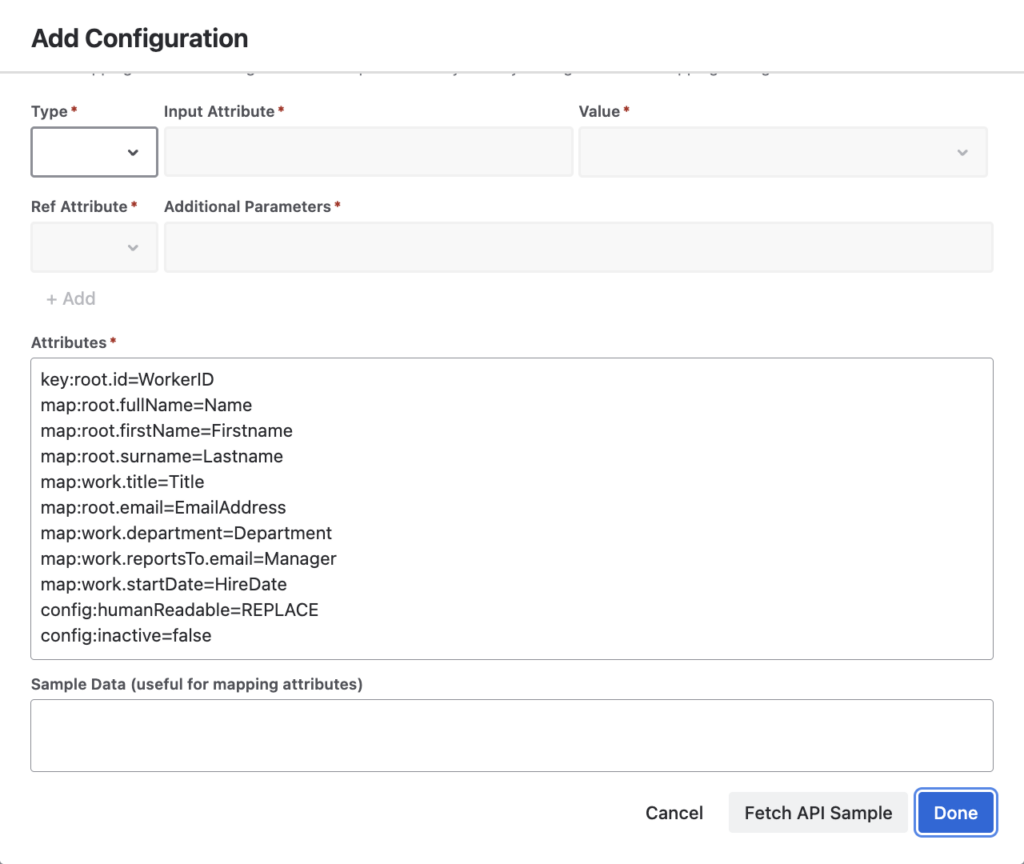
Result: JSM Assets always reflects the current state of your workforce. When an agent handles a ticket, they can see the requester’s role, location, department, and assigned equipment — all pulled from Bob, all kept in sync automatically.
What it does: When a ticket is resolved or transitions in JSM, the integration pushes relevant data back to Bob — closing the loop on HR requests that require HRIS updates.
How it works:
Follow the OnLink Bob HR Post Function Configuration Guide for detailed setup instructions.
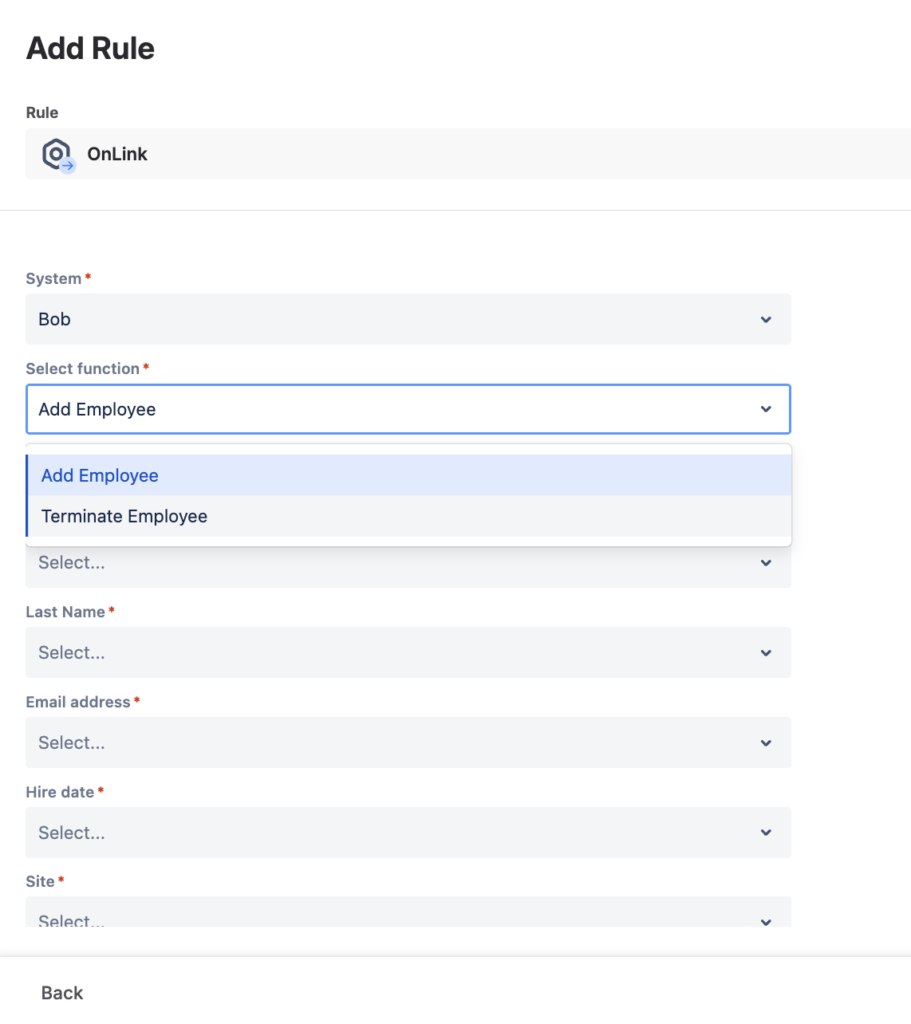
Result: Resolved service requests in JSM automatically update employee records in Bob. HR doesn’t need to manually sync data between systems after closing a ticket.
Each of these three integration patterns addresses a specific gap in the HR-IT workflow:
| Pattern | Direction | Use case |
|---|---|---|
| Webhook → JSM Ticket | Bob → JSM | Create tickets when employee is hired, terminated etc |
| Employee Sync → Assets | Bob → JSM Assets | Used for looking for employee details using Asset fields |
| Post Function → Bob | JSM → Bob | Update employee data in Bob based on ticket details e.g email updates, role updates. |
If your team is running HiBob and Service Collection (JSM), please give OnLink a try and let us know your feedback.
Set up your first HiBob-to-JSM automation today and avoid manual hand-offs between HR and IT.